Free Donation Receipt Template: How to Choose
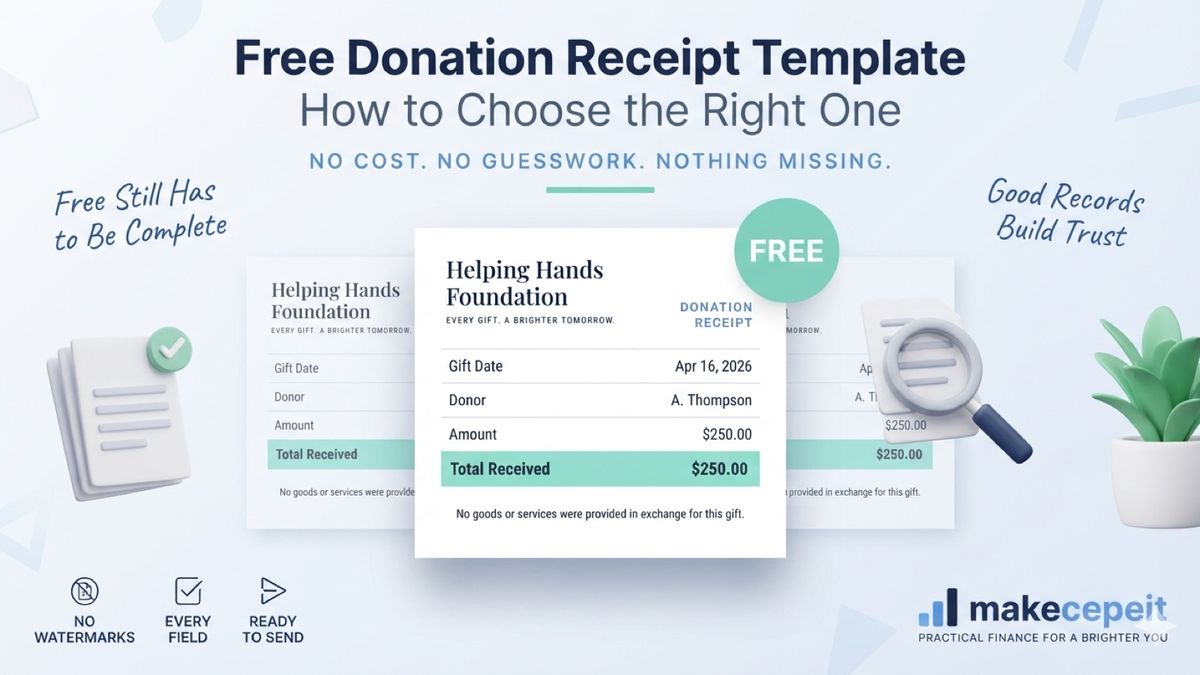
A free donation receipt template is a no-cost, reusable layout that nonprofits, churches, school groups and volunteer-run charities download or open in a browser to acknowledge gifts, and for most small organizations it is genuinely all they need. The catch is that "free" describes the price, not the completeness, and the two are easy to confuse when a template is one click away.
Across the United States, thousands of small nonprofits run their entire acknowledgment process on a free file. Makecepeit lets you build a donation receipt in the browser at no cost to create it, which puts the useful question elsewhere: does the template you picked actually carry the fields your donors need?
What Is a Free Donation Receipt Template?
A free donation receipt template is a downloadable or browser-based receipt layout offered at no charge, typically as a document file, a spreadsheet or an online form.
The category covers three quite different things. Some are static files you fill in by hand each time. Some are form templates inside software you already pay for. Some are online tools that generate the receipt from values you type, where creating the document is free and only certain exports or extras are charged.
Those distinctions matter more than the word "free" does, because they decide how much manual work each receipt costs you after the download.
What Does "Free" Actually Cover?
Free almost always means free to obtain. It less often means free of every limit. Common boundaries worth checking before a small charity in Austin standardizes on one:
- Watermarks on the output, which look unprofessional on a donor acknowledgment
- Export limits, where viewing is free but downloading a clean file is not
- Account requirements that appear only at the download step
- Locked layouts you cannot adjust to add a required statement
- Sample data left in the file that has to be cleared every single time
- No saved organization details, so the header is retyped for every gift
None of these makes a free template unusable. They are simply the trade you are accepting, and it is better to know which one you took.
A template that produces a watermarked receipt is fine for testing the layout and poor for sending to a donor who just gave $500 — check the output before you commit the organization to it.
Free to create versus free to export
The most common split is between building the document and getting it out. A tool may let you compose the whole receipt, see it rendered, and adjust the fields at no charge, then apply a condition at the download step — an account, a watermark, or a cap on exports per month. Neither model is dishonest, but they produce very different workflows, and you generally want to know which one you are in before a donor is waiting on an acknowledgment.
What a Free Donation Receipt Template Must Still Include
Price changes nothing about the fields. Whatever you download generally needs:
- The organization's registered name and address
- The donor's name
- The date the contribution was received
- The amount for a cash gift, in figures
- A description of any donated property, with no value assigned
- A statement about whether goods or services were provided in return
- A reference or receipt number for your own records
The field free templates miss most
The goods-or-services statement. Many free layouts are generic receipt forms adapted for charity use, and they carry a total and a signature line but no place for that sentence. For gifts of $250 or more it is generally the part a donor most needs, so a template without it creates work rather than saving it.
Generic forms adapted for charity use
Many free "donation" templates are ordinary sales receipts with the word donation swapped into the header. The tell is in the fields: a line for quantity and unit price, a tax row, sometimes a payment-terms block — all of which are meaningless for a gift, and none of which leave room for the statement that actually matters. A layout built for donations starts from the acknowledgment rather than from the sale.
Free vs Paid Donation Receipt Tools: What Is the Difference?
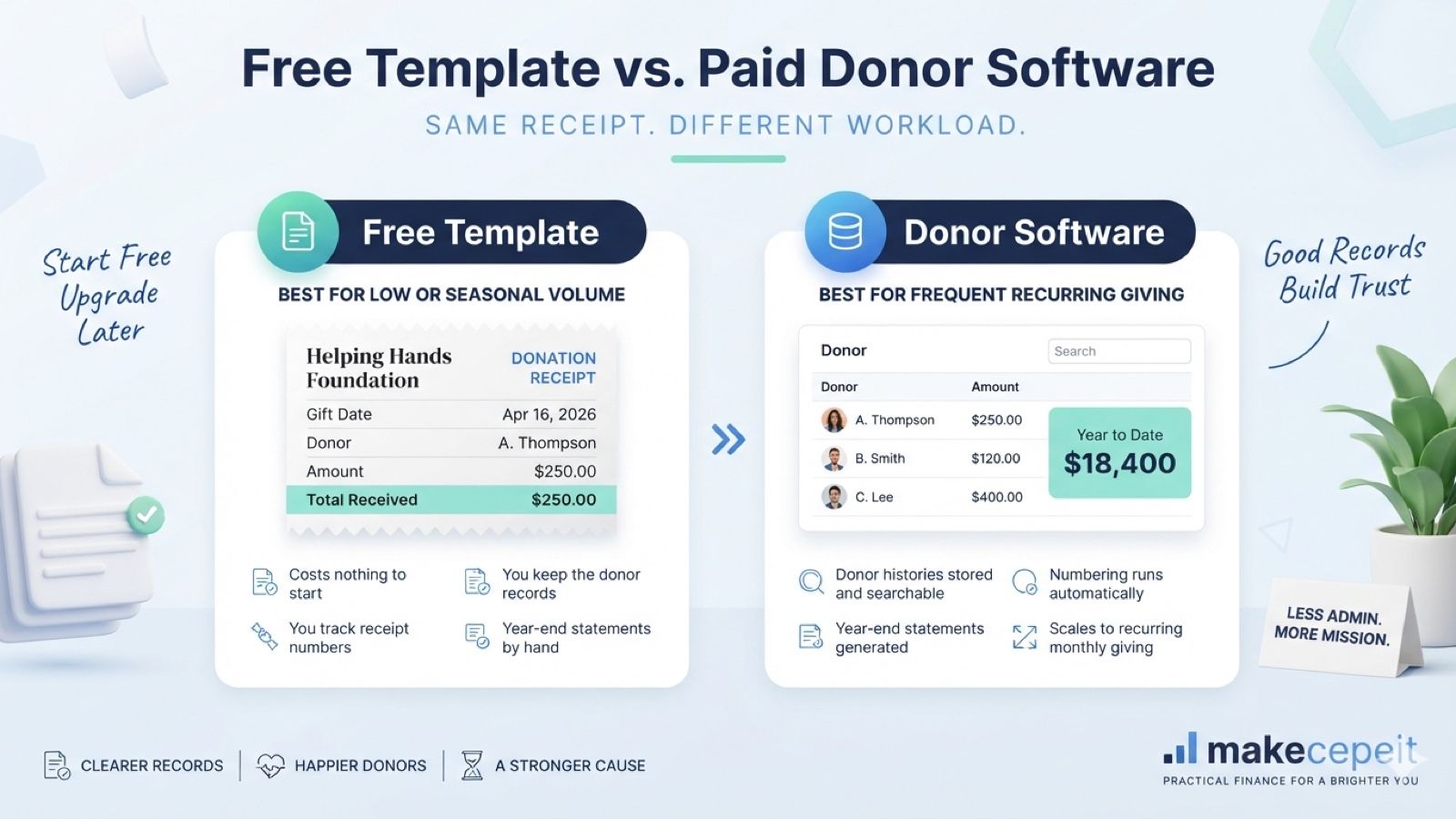
| Factor | Free template | Paid donor software |
|---|---|---|
| Upfront cost | None | Subscription or per-receipt fee |
| Donor records | Kept manually by you | Stored and searchable |
| Year-end statements | Assembled by hand | Usually generated |
| Numbering | You track it | Automatic and sequential |
| Best fit | Low or seasonal gift volume | Frequent, recurring giving |
The honest answer for most small organizations is that a free template wins until volume makes manual tracking the bottleneck. A food pantry in Denver issuing forty receipts a year has no case for donor software. A nonprofit processing gifts weekly generally does.
Where organizations usually switch
The switch to paid tooling rarely happens because someone decided the free template was inadequate. It happens when a specific task breaks: a year-end run that takes a full week, a donor asking for a copy of a gift nobody can locate, or two volunteers discovering they have been numbering receipts independently. Those are the signals worth watching, and none of them is about the template's price.
Why Free Donation Receipt Templates Matter in the United States
Free templates are how a large share of small U.S. nonprofits meet donor expectations without a software budget.
The documentation duty does not scale with the organization's size. IRS Publication 1771 describes a written acknowledgment for a single contribution of $250 or more, including a statement about whether goods or services were provided in return, and that expectation applies to a volunteer-run group in rural Texas the same way it applies to a large charity in New York.
A free template is a perfectly legitimate way to meet it, provided the template is complete. Where organizations run into trouble is not the price of the tool but the fields it quietly omits. State charity registration and reporting duties also vary, and Florida, California and other states each maintain their own requirements, so confirm what applies locally rather than assuming the template covers it.
Treatment varies by state and by organization, and no receipt by itself establishes that a gift is deductible — that depends on the organization's status and the donor's circumstances, which a tax professional is better placed to assess.
How to Use a Free Donation Receipt Template
- Download or open the template and read it through once before using it.
- Delete every piece of sample data, including placeholder names and amounts.
- Enter your organization's details in the header and save a master copy.
- Confirm the goods-or-services line exists, and add it if it does not.
- Fill in the donor, date and gift for the specific contribution.
- Export a test receipt and check for watermarks or clipped fields.
- Save each completed receipt under a name you can search later.
- Log the receipt number in whatever record you keep of gifts.
If retyping the header for every gift is the part that wears thin, the donation receipt generator keeps those details in place between receipts.
What to test before you commit
Running one complete receipt end to end takes about five minutes and surfaces nearly everything that might go wrong later. Fill every field, including the ones you expect to leave blank, then export and open the result the way a donor would. Watermarks, clipped headers, a total that formats oddly, a missing footer line — each of these shows up immediately in a test and awkwardly in a receipt someone has already received.
Free Template Formats Compared
| Format | Strength | Weakness |
|---|---|---|
| Word or Google Docs | Easy to edit and share | Layout shifts as text is replaced |
| PDF form | Prints consistently | Editing fields can be restrictive |
| Spreadsheet | Good for tracking many gifts | Rarely looks like a receipt |
| Browser generator | Nothing to install | Check export terms before relying on it |
A practical compromise many organizations land on is a spreadsheet for the internal gift log and a separate generated receipt for what the donor actually receives. The two serve different readers.
Pairing an internal log with the sent receipt
A useful pattern for organizations staying on free tools is to separate the two readers. The spreadsheet is for you: gift dates, amounts, donor contact, receipt numbers, whatever the board might ask for later. The generated receipt is for the donor, and it carries only what belongs on an acknowledgment. Trying to make one document serve both generally produces something that reads like a bookkeeping export.
When a Free Template Is Not Enough
Free stops being the right answer at fairly predictable points:
- Gift volume passes roughly a few dozen per month and manual numbering slips
- You need searchable donor histories rather than a folder of files
- Year-end statements have to be assembled for hundreds of donors
- More than one person issues receipts and versions start to diverge
- Recurring gifts need tracking across months
Until one of those is true, paying for donor software generally buys capacity the organization is not using.
Why Use makecepeit for Free Donation Receipt Templates?
Makecepeit sits in the middle of the trade described above:
- No cost to build a receipt and see exactly how it will look
- Donation-specific fields rather than a retail form pressed into service
- A footer statement for the goods-or-services line, included by default
- No software to install — it runs in the browser
- Consistent output so receipts from your organization match each other
- Clear download terms, so you know before you start what you get
Makecepeit is for documenting contributions your organization genuinely received. Accurate donor names, real dates and true amounts are what make an acknowledgment worth anything to the person receiving it.
Keeping one master copy
The single highest-value habit with a free template is deciding where the clean version lives. One file, stripped of sample data, with the organization header already filled in and the goods-or-services line present, stored somewhere every volunteer can reach. Every receipt starts as a copy of that file and never overwrites it.
Organizations that skip this step usually discover the cost months later, when three slightly different receipts from the same charity turn up in one donor's inbox — one with a stale address, one missing the footer statement, one still carrying a placeholder name from whoever edited it last.
Tips Before You Download a Free Template
- Generate one test receipt before adopting the template organization-wide
- Check the output for watermarks, not just the preview
- Confirm the goods-or-services line is present
- Strip sample data from the master copy, once, rather than every time
- Store one master version so staff do not each keep their own
- Re-check the template yearly against current guidance
- Never store full card numbers on a receipt that gets emailed
Common Mistakes to Avoid
- Assuming free means complete, and shipping a template missing a key field
- Leaving placeholder text such as a sample donor name in a sent receipt
- Sending watermarked receipts to donors
- Valuing donated goods for the donor instead of describing them
- Using the processing date rather than the date the gift arrived
- Keeping no copy of what was sent
- Letting several versions circulate among volunteers
- Implying deductibility the organization cannot certify
Final Takeaway
A free donation receipt template is the right starting point for most small nonprofits, and the price is rarely the thing that goes wrong. Check the output before you commit, confirm the goods-or-services statement is there, clear the sample data once, and move to something with stored records only when volume actually demands it. Because treatment varies by state and by organization, confirm the specifics with a tax professional rather than relying on a downloaded layout to have gotten them right.
For the full field list and how cash and in-kind gifts differ, the companion guide to the donation receipt template covers the document itself in detail.
Create Your Donation Receipt With makecepeit
Enter the gift, check the fields, and produce an acknowledgment your donor can file. Open the donation receipt generator and get a clean receipt out without paying for capacity your organization does not need yet.
Frequently asked questions
- Is a free donation receipt template legitimate?
- Yes, provided it carries the required fields. The price of the template has no bearing on whether the acknowledgment it produces is valid for the donor.
- What does free usually not include?
- Free commonly excludes watermark-free exports, saved organization details, automatic numbering and donor record storage. Check which limit applies before adopting one.
- What field do free templates most often miss?
- The statement about whether goods or services were provided in return, which generally matters most for single contributions of $250 or more.
- Which format is best for a small nonprofit?
- A document file works for low volume, while a browser generator suits organizations issuing receipts regularly. Many groups keep a spreadsheet log alongside either one.
- Can I edit a free donation receipt template?
- Usually, though some locked layouts restrict changes. If you cannot add the goods-or-services line, that template is generally not the right one.
- Do free templates work for in-kind gifts?
- They can, as long as the template describes the donated property without assigning a value. Valuing the item is generally the donor's responsibility.
- When should a nonprofit pay for donor software?
- Generally when gift volume makes manual numbering and year-end statements unmanageable, or when several people issue receipts and versions start diverging.
- Should I send watermarked receipts to donors?
- Better not to. A watermarked file looks provisional, and donors reasonably expect a clean acknowledgment of a gift they actually made.
- Does a free template cover state requirements?
- Not necessarily. State charity registration and reporting duties vary, so confirm local requirements rather than assuming a downloaded layout addresses them.
- Is makecepeit free for donation receipts?
- Building a donation receipt in the browser costs nothing, with donation-specific fields and the goods-or-services footer included by default.