CVS Pharmacy Receipt: How to Get a Copy & Recreate It (2026)
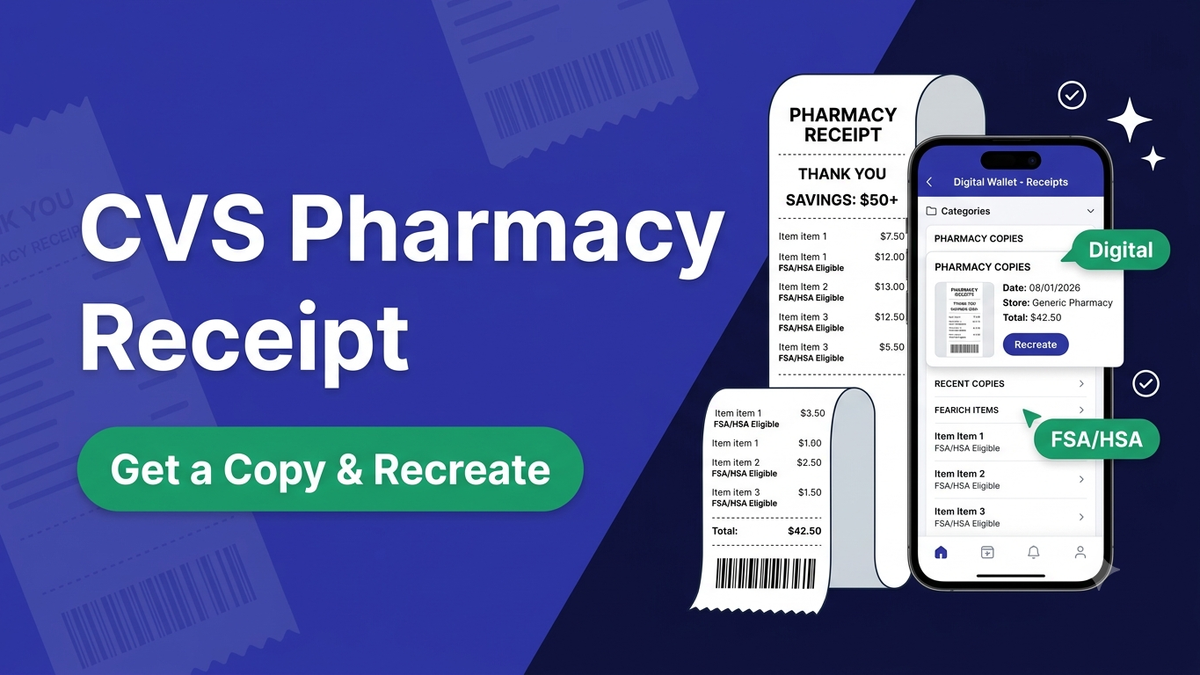
Your CVS pharmacy receipt lives in the CVS app if the purchase was tied to your ExtraCare account — open the app, go to your purchase history, and view or save it. If it wasn't linked, you can still get a copy at the store or recreate an itemized one for your records. CVS receipts are famously long, and they carry the exact details you need for FSA/HSA claims. Here's how to get yours.
What's on a CVS pharmacy receipt
A CVS pharmacy receipt is long for a reason — it packs in more than the purchase:
- Store details — location, register and cashier
- Itemized purchase — health, beauty and everyday items with prices
- ExtraCare and ExtraBucks Rewards — points earned and coupons
- Tax and the total paid
- FSA/HSA markers — eligible items are often flagged for reimbursement
How to get a copy of your CVS receipt
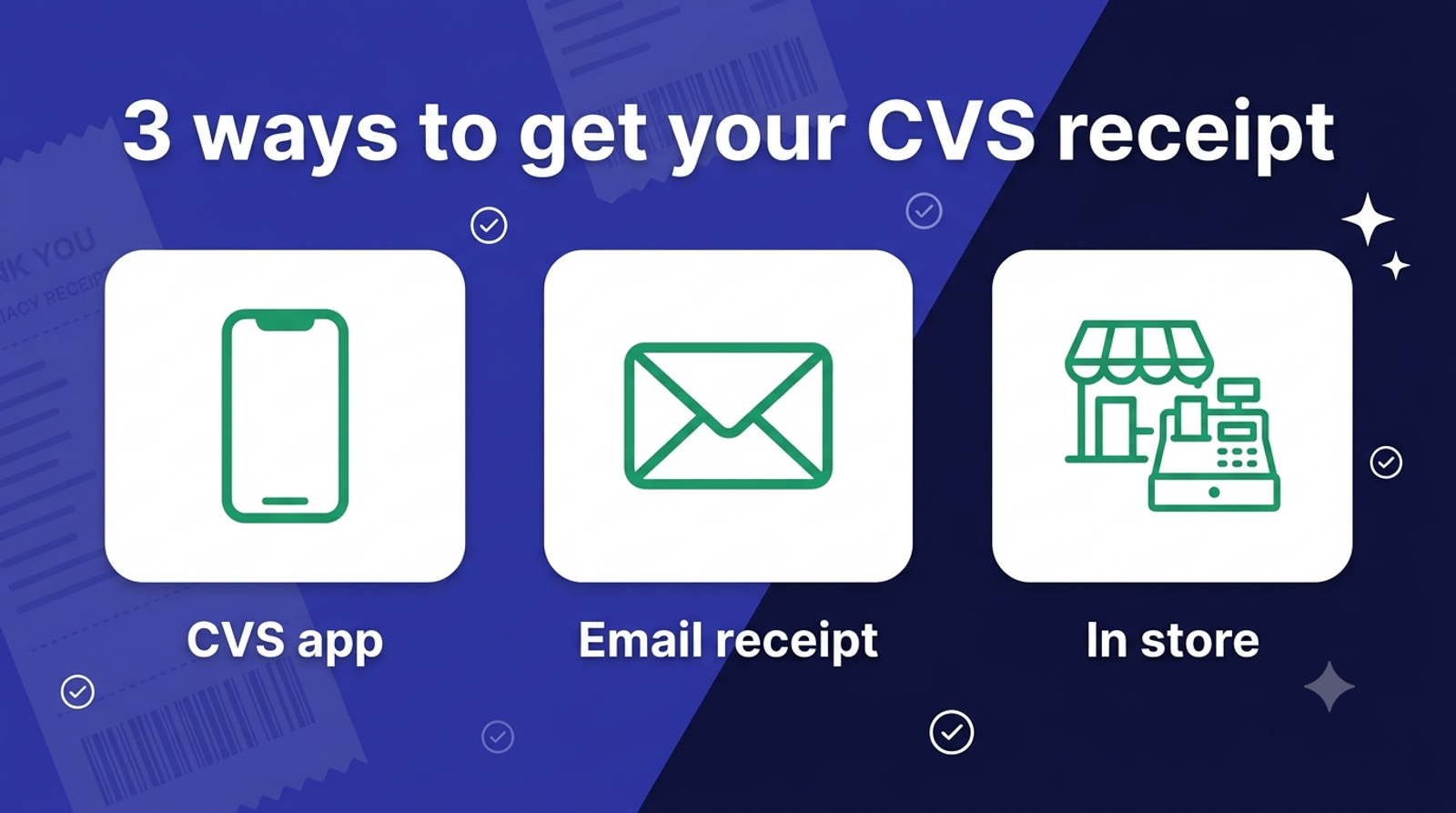
- CVS app. If your ExtraCare card was scanned, open the CVS app and check your purchase history and digital receipts.
- Email receipt. If you opted into digital receipts, search your inbox for the CVS receipt email.
- In store. Bring the payment card and the approximate date to the register or pharmacy counter — staff can often reprint from the transaction.
- ExtraCare account. Log in at CVS.com to view recent ExtraCare purchase activity.
Go digital so you never lose one
In the CVS app you can turn on digital receipts tied to your ExtraCare card, so future receipts save automatically — no more hunting for a paper strip. This won't recover a receipt you already lost, but it fixes the problem going forward.
FSA/HSA: why the itemized copy matters
For FSA or HSA reimbursement you usually need an itemized receipt showing the eligible item, date and amount — a card statement isn't enough. CVS receipts flag FSA-eligible items, which is exactly what a plan administrator wants to see, so keep the itemized copy, not just the statement.
Recreate a CVS pharmacy receipt for your records
If you've lost a receipt for a real purchase and can't retrieve it, you can recreate a CVS pharmacy receipt from your card statement's facts — the store, date, items and total. The CVS receipt generator fills in the CVS layout, and you edit the items, tax and totals in a live preview, then download a PDF or PNG. This is for your own records, reimbursement paperwork and bookkeeping — legitimate uses only, never to deceive anyone. To build one from scratch, open the receipt maker.
The bottom line
Your CVS pharmacy receipt is easiest to get from the CVS app when your ExtraCare card is linked; failing that, the store can reprint it or you can recreate an itemized copy for your files. Turn on digital receipts so the next one saves itself. Recreate a CVS receipt.
Frequently asked questions
- How do I get a copy of my CVS pharmacy receipt?
- Open the CVS app and check your purchase history if your ExtraCare card was scanned; search your email if you opted into digital receipts; or bring the payment card and date to a CVS register or pharmacy counter to have it reprinted.
- Why are CVS pharmacy receipts so long?
- CVS receipts include the itemized purchase plus ExtraCare and ExtraBucks Rewards, coupons, savings summaries and pharmacy details, which is why they run much longer than a typical store receipt.
- Can I get a digital CVS receipt?
- Yes. In the CVS app you can turn on digital receipts tied to your ExtraCare card, so future purchases are saved automatically and emailed to you instead of only printing on paper.
- Do I need my CVS receipt for an FSA or HSA claim?
- Usually yes. FSA and HSA administrators want an itemized receipt showing the eligible item, date and amount — a card statement alone isn't enough. CVS receipts flag FSA-eligible items for this reason.
- Can I recreate a lost CVS pharmacy receipt?
- Yes, for legitimate purposes like reimbursement paperwork, expense records and bookkeeping. Using the CVS receipt generator you can recreate an itemized copy from your card statement's facts, then download it as a PDF or PNG.
- Does CVS email receipts?
- CVS can email digital receipts if you opt in through your ExtraCare account or the CVS app. Once enabled, your receipts are stored in the app and sent to your inbox.
- Is it legal to make a CVS pharmacy receipt?
- Making a receipt is legal for legitimate uses such as replacing a lost receipt, expense records, FSA/HSA documentation and bookkeeping. Using any receipt maker to defraud a business or person is illegal.