Receipt Maker for Farmers Market Sellers
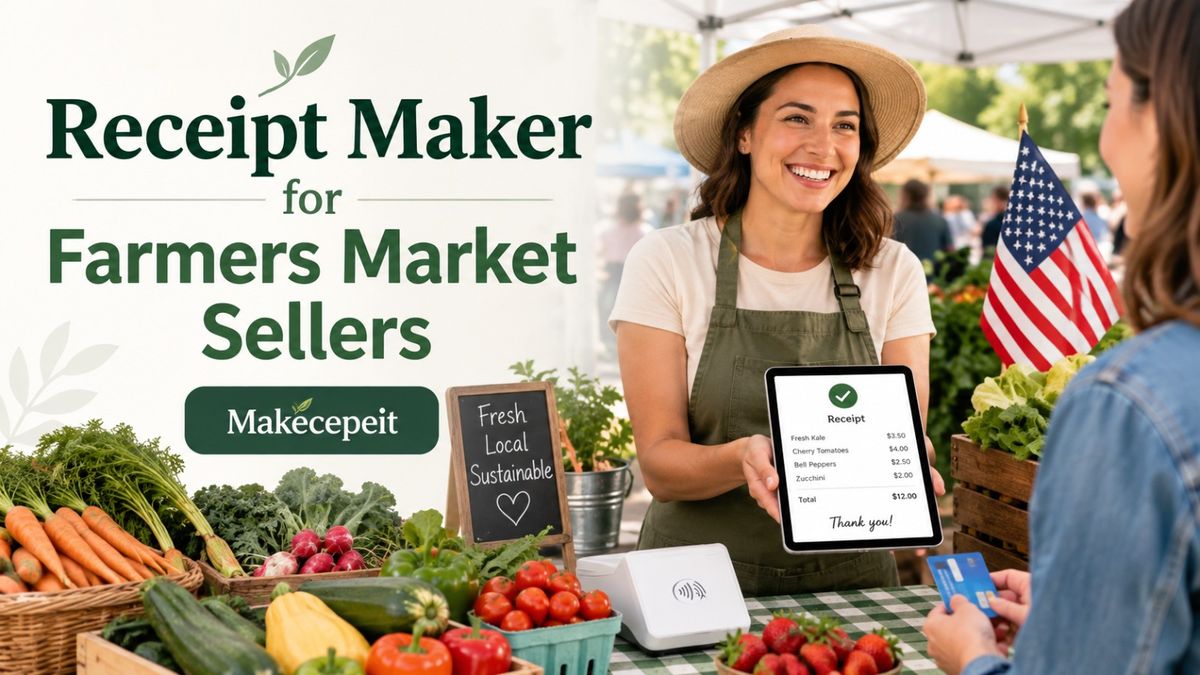
A receipt maker for farmers market sellers gives vendors a simple way to document sales without relying on handwritten slips or complicated accounting software. Whether you sell fresh produce, honey, baked goods, flowers, preserves, meat, handmade products, or other local goods, a clear receipt can show what the customer purchased, how much they paid, the transaction date, applicable tax, and the payment method.
For vendors operating at farmers markets across the United States, receipts can also make daily sales records easier to organize. A tool such as Makecepeit can help sellers create structured receipts that are easier for both customers and vendors to understand.
What Is a Receipt Maker for Farmers Market Sellers?
A receipt maker for farmers market sellers is an online tool used to create a record of a completed sale. Instead of writing every receipt manually, the seller enters transaction information such as products, quantities, prices, tax, payment method, and business details into a reusable receipt format.
The finished document can then be provided to the customer or kept as part of the seller's transaction records.
A useful farmers market receipt should quickly answer four questions: who sold the goods, what was purchased, how much was paid, and when the transaction occurred.
This simplicity is especially useful in a farmers market environment, where sellers may process many small transactions during a limited number of operating hours.
Why Farmers Market Sellers Benefit From Creating Receipts
Farmers markets are fast-moving retail environments. Customers may pay with cash, credit cards, debit cards, or mobile payment methods, while vendors may sell dozens of different products with changing quantities and prices.
Receipts create a clearer transaction trail.
Receipts Give Customers Proof of Purchase
A receipt confirms that a transaction occurred between the vendor and customer. This can be useful when a buyer needs documentation for a business purchase, reimbursement, product question, or other legitimate recordkeeping purpose.
Receipts Help Vendors Organize Sales Records
Market sellers often need to understand how much they sold during a particular market day. Consistent receipts can make it easier to compare transactions with cash collected, card payments, inventory changes, and other sales records.
Receipts Create a More Professional Customer Experience
A customer buying several jars of honey, boxes of produce, baked goods, or specialty products may appreciate receiving an itemized record rather than only seeing a payment confirmation.
For vendors building a recognizable local business, small details such as clear business information and organized receipts can contribute to a more consistent buying experience.
What Should a Farmers Market Receipt Include?
A farmers market receipt should contain enough information to identify the seller, transaction, products, amount paid, and payment method. Requirements can vary depending on the seller's location, business structure, products, and applicable state or local rules, so vendors should confirm any specific legal or tax obligations that apply to their business.
| Receipt Field | Why It Matters | Example |
|---|---|---|
| Business or Farm Name | Identifies the seller | Green Valley Farm |
| Date | Records when the transaction happened | August 31, 2026 |
| Receipt Number | Helps identify individual transactions | FM-1048 |
| Items | Shows what the customer purchased | Organic Tomatoes |
| Quantity | Clarifies how much was purchased | 3 baskets |
| Price | Documents the selling price | $6.00 each |
| Subtotal | Shows the amount before adjustments | $18.00 |
| Sales Tax | Shows applicable tax separately when relevant | $1.08 |
| Total | Shows the final amount paid | $19.08 |
| Payment Method | Helps reconcile transactions | Cash |
How to Make a Farmers Market Receipt
Creating a farmers market receipt should be quick enough to fit naturally into the selling process. A simple workflow is usually more practical than entering unnecessary information for every transaction.
- Add your business information. Enter the farm, stand, or business name and appropriate contact information.
- Add the transaction date. Use the actual date of the completed sale.
- Create a receipt number. A consistent numbering system can make records easier to organize.
- List the products sold. Clearly identify each item rather than entering only a total amount.
- Enter quantities and prices. Show how the final subtotal was calculated.
- Add applicable tax. Use the correct tax treatment for your products and jurisdiction.
- Enter the payment method. Record whether the customer paid by cash, card, or another method.
- Review the total. Check quantities, prices, tax, and the final payment amount.
- Generate the receipt. Save, print, or provide the completed document using the format appropriate for the transaction.
The objective is not to make the checkout process complicated. The receipt should capture the essential transaction information while allowing the vendor to continue serving customers efficiently.
Receipts for Cash Sales at Farmers Markets
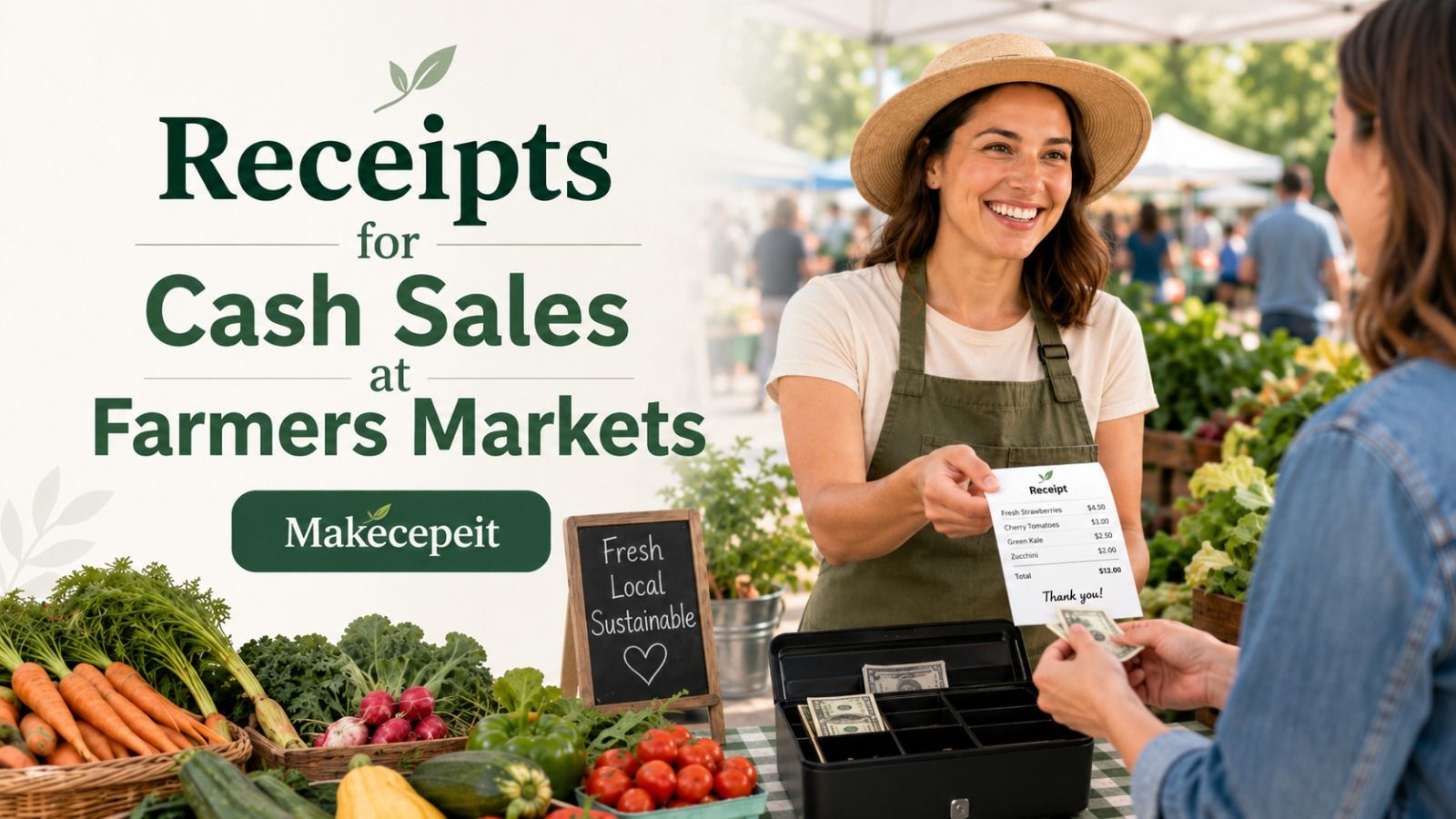
Cash remains particularly important for recordkeeping because cash transactions do not automatically create the same electronic trail as many card payments.
A receipt can document the amount collected and the products associated with that transaction. Sellers can then compare recorded cash sales with the money in their cash box at the end of the market.
For example, if a customer buys strawberries, eggs, and honey with cash, an itemized receipt provides a much clearer record than simply noting a single dollar amount.
Consistently documenting cash transactions can also make later bookkeeping easier, especially for vendors operating at several markets during the week.
Receipts for Card and Mobile Payments
Card processors and payment apps usually create their own payment records, but those records may focus primarily on the amount charged rather than providing the exact itemization a seller or customer wants.
An itemized sales receipt can complement the payment record by showing individual products, quantities, prices, discounts, applicable taxes, and the final total.
Vendors should avoid unnecessarily placing sensitive payment information on a manually generated receipt. Record the payment method using appropriate non-sensitive details rather than full card numbers or confidential financial information.
Farmers Market Receipts and Sales Tax in the United States
Sales tax treatment can differ substantially by state, locality, and product category. Fresh food, prepared food, beverages, crafts, and other products may not always receive the same tax treatment.
For that reason, a receipt generator should be treated as a documentation tool rather than a substitute for determining whether a sale is taxable.
Farmers market sellers should understand the rules that apply where they operate and configure receipts accordingly. When sales tax applies, separating the subtotal, tax amount, and final total creates a clearer record.
Vendors selling at markets in states such as California, Texas, Florida, New York, or elsewhere in the U.S. should follow the requirements applicable to their specific state and local jurisdiction rather than assuming one tax rule applies nationwide.
Digital Receipts vs. Handwritten Receipts for Market Vendors
Both formats can document a transaction, but digital receipts are generally easier to standardize and reproduce.
| Feature | Digital Receipt | Handwritten Receipt |
|---|---|---|
| Itemization | Easy to keep consistent | Depends on handwriting and available space |
| Calculations | Can be easier to review | Usually calculated manually |
| Readability | Consistent formatting | Can vary |
| Storage | Suitable for digital records | Requires physical organization |
| Reusing a format | Simple with templates | Requires rewriting information |
Handwritten receipt books can still be useful when internet access or electronic devices are unavailable. Many vendors may therefore benefit from having both a digital process and a simple backup option.
How Makecepeit Can Help Farmers Market Sellers
Makecepeit provides an online receipt-building workflow where users can customize transaction information and preview the receipt before exporting it. The platform supports receipt details such as business information, line items, tax, discounts, tips, and payment methods, with digital export options available for completed receipts.
For farmers market vendors, that type of workflow is useful because a general sales receipt can be adapted to different transactions without requiring a full retail POS system.
A produce seller might list tomatoes, peaches, and lettuce. A beekeeper might record jars of honey and beeswax products. A bakery vendor could itemize bread, cookies, and pastries. The receipt structure remains familiar even when the products change.
Makecepeit can therefore fit sellers who want a straightforward way to produce organized sales documentation while retaining control over the transaction details they enter.
How to Organize Receipt Numbers for Farmers Market Sales
A simple receipt-numbering system can make individual transactions easier to find later.
Instead of using random numbers, vendors can create a structure based on market, date, or sequence. Examples might include:
- FM-1001
- SAT-0826-001
- AUSTIN-001
- MARKET2-1054
The exact format matters less than consistency. Avoid changing the system every week unless there is a clear operational reason.
If you sell at multiple markets, a short location code can also help distinguish transactions from different venues when reviewing records later.
Practical Receipt Tips for Produce and Food Sellers
Farmers market products can create unique receipt challenges because prices may be based on units, packages, bunches, containers, or weight.
Use descriptions that another person can understand without having been present at the stall.
- Write "Strawberries — 2 baskets" rather than "Fruit."
- Write "Raw Honey — 16 oz" rather than "Honey."
- Record quantity when several identical products are purchased.
- Keep price units consistent throughout the receipt.
- Show discounts separately when they affect the final amount.
- Separate taxable amounts when required by applicable rules.
- Check the final total before delivering the receipt.
Clear item descriptions are especially valuable when customers make larger purchases or buy products for a business, restaurant, event, or organization.
Common Receipt Mistakes Farmers Market Vendors Should Avoid
Creating Receipts With Only a Final Total
A receipt showing only "$47.00 paid" provides limited information. Itemization makes the transaction much easier to understand.
Using Inconsistent Product Names
Calling the same product "Honey 16oz," "16 oz honey," and "Jar H" across different transactions makes records harder to review. Establish simple product names and use them consistently.
Applying Sales Tax Without Confirming the Correct Treatment
Do not assume every farmers market product is treated identically. Taxability can depend on the product and jurisdiction.
Forgetting the Transaction Date
The date helps connect the receipt with the correct market session, payment record, and daily sales totals.
Including Sensitive Payment Information
A customer receipt should not unnecessarily expose confidential payment details. Keep payment references limited to information appropriate for a sales receipt.
Mixing Estimates With Completed Sales
A receipt represents a completed transaction. Quotes, estimates, purchase orders, and invoices serve different purposes and should not automatically be treated as receipts.
What to Look for Before Choosing a Farmers Market Receipt Maker
The right receipt tool should fit the pace and complexity of your stall. A vendor selling only a few products may need something very different from a seller managing dozens of items across several markets.
Before choosing a receipt maker, consider whether it allows you to:
- Enter your own business or farm details.
- Add multiple products and quantities.
- Adjust prices for changing market inventory.
- Display subtotal and total clearly.
- Include tax when required.
- Identify the payment method.
- Review the receipt before finalizing it.
- Create a document suitable for digital or printed use.
- Maintain a consistent receipt format.
Ease of use matters. A tool that requires too many unnecessary steps can become inconvenient during a busy Saturday morning market.
Better Receipt Records Can Support Better Business Decisions
Receipts are primarily transaction documents, but organized sales records can also help vendors understand their business.
If products are itemized consistently, sellers can more easily compare what customers are purchasing. A vendor might notice that certain preserves sell quickly at one market while fresh herbs perform better at another. Another seller may discover that bundled products generate larger transactions than individual items.
Receipt information should not replace proper accounting records, inventory systems, or professional tax advice. However, consistent transaction documentation can make those broader business processes easier to manage.
Final Thoughts on Using a Receipt Maker at Farmers Markets
A receipt maker for farmers market sellers can turn an informal sale into a clear, organized transaction record. The most useful receipts identify the seller, date, products, quantities, prices, applicable tax, total amount, and payment method without making the checkout process unnecessarily complicated.
This matters whether you operate one weekend produce stand or sell at several farmers markets throughout the United States.
Consistent receipts can improve customer documentation, simplify sales organization, and create clearer records for cash and electronic transactions.
If you want a straightforward way to create structured sales receipts for your market transactions, use Makecepeit to build a receipt that reflects the products and payment details of the actual sale. Keep the information accurate, review the total, and provide customers with a clear record they can understand.
Frequently asked questions
- What is the best receipt maker for farmers market sellers?
- The right receipt maker should let vendors quickly enter business details, products, quantities, prices, tax, totals, and payment information. Makecepeit is one option for creating customizable sales receipts online.
- Do farmers market sellers need to give customers receipts?
- Requirements vary by state, locality, product type, and transaction. Even when a receipt is not required for every sale, providing one can help customers and improve vendor recordkeeping.
- What should I put on a farmers market receipt?
- Include the seller's name, transaction date, receipt number, item descriptions, quantities, prices, subtotal, applicable tax, total, and payment method.
- Can I create receipts for cash farmers market sales?
- Yes. A cash receipt can document what was sold, the amount collected, the transaction date, and the fact that the payment was made in cash.
- Can farmers market vendors use digital receipts?
- Yes. Digital receipts can provide customers with readable transaction documentation while helping sellers maintain consistent records.
- Should sales tax appear on a farmers market receipt?
- If sales tax applies to the transaction, showing it separately can make the receipt clearer. Tax rules vary by jurisdiction and product, so sellers should confirm the rules that apply to them.
- Can I use a receipt maker for produce sales?
- Yes. Sellers can itemize produce by product, quantity, package, basket, bunch, or another appropriate unit and show the corresponding price.
- Should every farmers market receipt have a receipt number?
- A unique receipt number is useful because it makes transactions easier to identify, organize, and locate later.
- Is a receipt the same as an invoice?
- No. An invoice generally requests payment, while a receipt documents a transaction after payment has been completed.
- Can Makecepeit be used by small market vendors?
- Makecepeit offers a general sales-receipt workflow that can be adapted to independent sellers, market stalls, pop-ups, and other small businesses.