Receipt Maker With Custom Logo and No Watermark
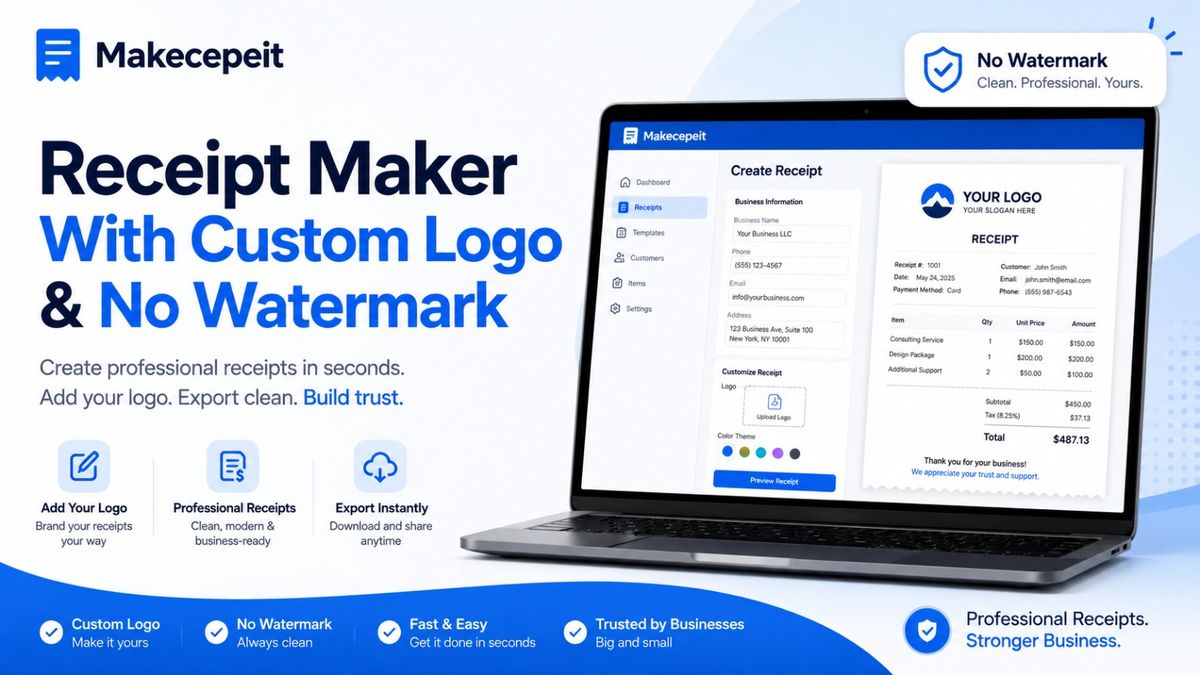
A receipt maker with custom logo and no watermark helps businesses create clean, professional transaction records without adding another company's branding to the finished document. For freelancers, contractors, retailers, service providers, restaurants, and other U.S. businesses, this can make everyday receipts easier to read, share, print, and organize.
Makecepeit provides an online receipt-building environment where users can customize receipt information, edit transaction details, upload a logo on supported templates, and export completed receipts in common document or image formats. Makecepeit currently states that the first download on a free account is watermark-free, while Pro provides unlimited watermark-free exports.
The key is not simply removing a watermark. A useful business receipt should accurately document a real transaction, clearly identify the seller, itemize what was purchased, show taxes and totals correctly, and provide a record that both the business and customer can understand later.
What Is a Receipt Maker With Custom Logo and No Watermark?
A receipt maker with custom logo support is an online tool that lets you create a receipt using your own business identity rather than a generic layout. You enter transaction information, add your company details, insert a logo when supported, review the receipt, and export the finished document.
A watermark-free receipt does not contain promotional text or a visible background mark from the receipt-generation platform. This makes the document cleaner and keeps attention on the business that actually issued the receipt.
A professional receipt should clearly answer five questions: who received the payment, who made the payment when relevant, what was purchased, how much was paid, and when the transaction occurred.
For legitimate business use, custom branding and clean exports are especially useful when receipts are sent by email, included in bookkeeping records, attached to expense documentation, or provided after completing a service.
Why Add Your Business Logo to a Receipt?
Adding a logo makes a receipt easier to associate with your company. Customers may receive dozens of digital payment confirmations, invoices, and receipts, so consistent visual branding can make your documentation easier to recognize.
Create a More Consistent Business Identity
Your website, estimates, invoices, business cards, email signature, and receipts should ideally feel like they come from the same organization. Using the same company name and approved logo creates continuity across customer communications.
Make Digital Receipts Easier to Identify
A customer searching through an inbox or expense folder can often recognize a logo faster than a block of plain text. This is particularly useful for small businesses that send receipts as PDFs or image files rather than printing them from a traditional POS terminal.
Present a Cleaner Customer Experience
A branded receipt can look more deliberate than a generic document. That matters for independent professionals, photographers, consultants, repair companies, event vendors, cleaning businesses, tutors, salons, and other service providers that may not use a full retail POS system.
Why Does a No-Watermark Receipt Matter?
A watermark-free receipt keeps third-party platform branding away from the transaction record. Instead of promoting the software used to generate the document, the finished receipt can focus on your business and the transaction itself.
This can be helpful when receipts are:
- sent directly to customers;
- attached to legitimate expense reports;
- stored in bookkeeping files;
- printed for business records;
- used as proof of payment for an actual sale or service;
- shared with accountants or administrative teams.
It is important to check what "no watermark" means before choosing a service. Some tools provide watermark-free exports only on paid plans, while others include a limited number of clean downloads.
Makecepeit currently allows users to build and preview receipts without signing up. A free account is required for downloading, and the first download is advertised as watermark-free HD exports. Additional free downloads may include a Makecepeit watermark, while Pro removes the watermark from unlimited exports.
How to Make a Receipt With Your Custom Logo
The easiest process is to start with a receipt layout that fits the transaction, replace the example information with your real business data, add your branding, verify the totals, and export the final document.
- Choose an appropriate receipt template. Select a format suitable for retail, services, restaurants, transportation, hospitality, or another relevant business type.
- Add your business information. Enter the legal or trading name, business address, telephone number, website, or other appropriate contact details.
- Upload your company logo. Use an authorized version of your own business logo and make sure it remains readable at receipt size.
- Enter the transaction details. Add each product or service, quantity, unit price, discount, and any applicable tax.
- Record the date and receipt number. Use a unique identifier that makes the transaction easier to retrieve later.
- Add the payment method. Record cash, card, bank transfer, or another genuine payment method without exposing sensitive financial data.
- Review the total. Confirm the subtotal, sales tax, discounts, tips, and final amount before exporting.
- Preview the receipt. Check spelling, logo placement, spacing, and transaction accuracy.
- Export the finished receipt. Select an appropriate PDF or image format for printing, emailing, or record keeping.
Makecepeit's current templates allow editable business information, items, prices, tax information, currency, and logo uploads on supported receipt layouts.
What Should a Professional U.S. Business Receipt Include?
A useful receipt should provide enough information to connect the document with the underlying transaction. The exact requirements depend on the business, state, industry, and purpose of the record, but several fields are commonly useful.
| Receipt Element | Why It Matters |
|---|---|
| Business name | Identifies the seller or service provider |
| Business logo | Supports visual identification and branding |
| Receipt number | Provides a unique reference for the transaction |
| Date and time | Records when payment or the sale occurred |
| Itemized products or services | Explains exactly what the customer paid for |
| Quantity and price | Makes individual charges transparent |
| Subtotal | Shows charges before tax or adjustments |
| Sales tax | Records applicable tax separately when required |
| Discount or tip | Explains adjustments to the transaction total |
| Total paid | Shows the final transaction amount |
| Payment method | Helps reconcile the receipt with payment records |
Using a Receipt Maker for U.S. Businesses
Receipt creation in the United States requires flexibility because transaction details can differ substantially between businesses and locations. A contractor in Texas, a café in California, a photographer in New York, and a cleaning business in Florida may all need different receipt formats.
Sales tax also varies according to state and local rules, product category, and transaction circumstances. A receipt generator should therefore allow the user to enter the correct tax rate rather than assuming one nationwide percentage.
For this reason, businesses should verify applicable sales tax independently and use the receipt maker as a documentation tool rather than as a substitute for tax or accounting advice.
Useful U.S. Receipt Scenarios
- small business sales;
- freelance and consulting payments;
- home service transactions;
- restaurant and café purchases;
- event and photography services;
- rental or service payments;
- retail purchases;
- legitimate expense documentation;
- internal transaction records.
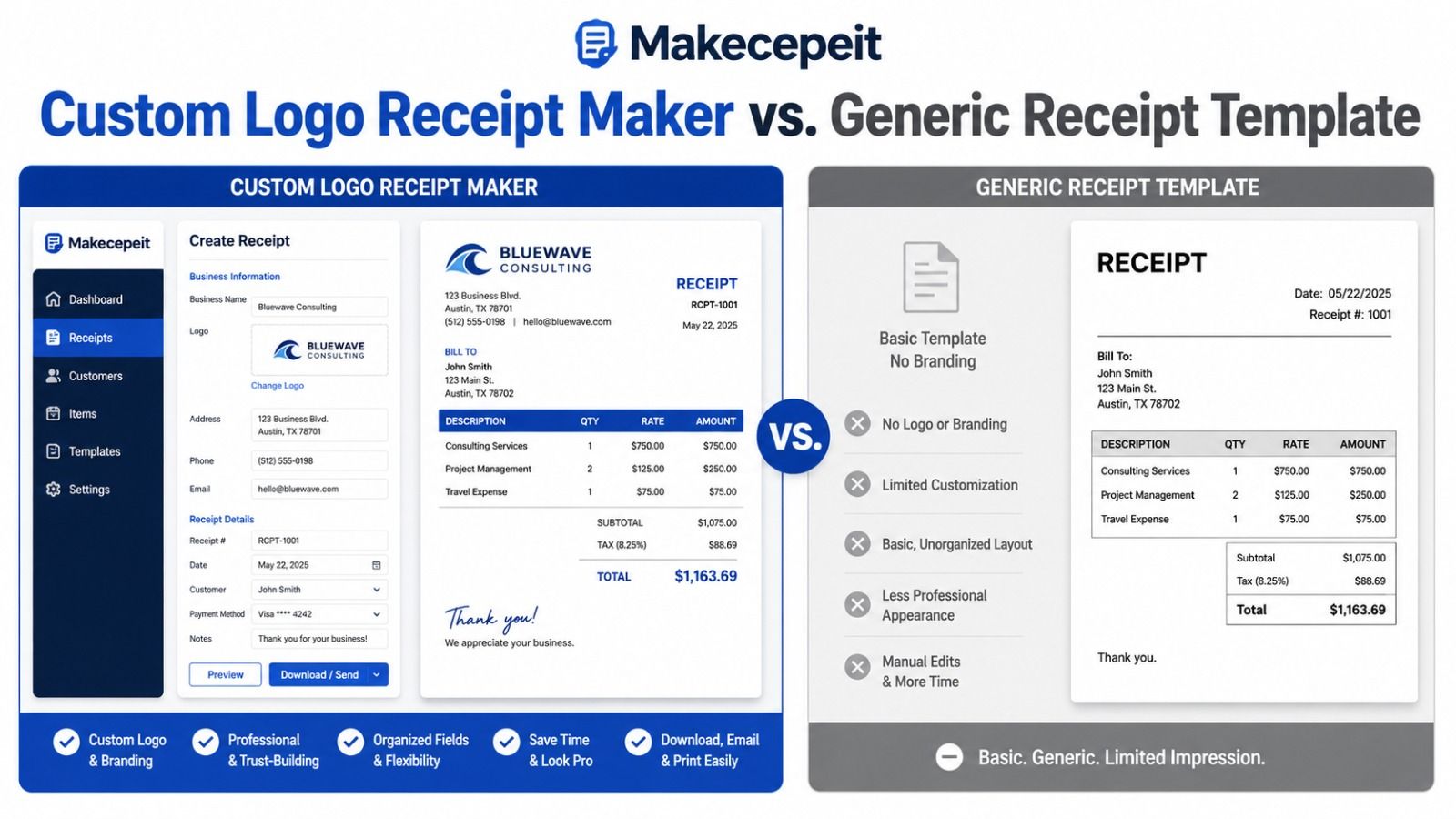
Custom Logo Receipt Maker vs. Generic Receipt Template
| Feature | Custom Receipt Maker | Generic Static Template |
|---|---|---|
| Business logo | Can be added or customized when supported | Usually requires manual editing |
| Automatic totals | Often calculated automatically | Usually calculated manually |
| Editing | Fields can be changed directly | May require Word, spreadsheet, or design software |
| Live preview | Often available | Usually limited |
| Receipt numbering | Easy to enter and manage | Manually maintained |
| Export | PDF or image formats may be available | Depends on the software used |
| Brand consistency | Designed for customization | Requires more manual formatting |
Static templates still work for occasional transactions. However, businesses that regularly issue receipts may find an interactive receipt maker faster because totals, layout, and formatting can be handled in one workflow.
What Makes a Good Online Receipt Maker?
The best choice is not necessarily the tool with the largest template library. Look for features that improve accuracy, readability, and workflow.
Custom Business Branding
You should be able to enter your own business details and, when needed, upload an authorized logo. Avoid using another company's trademark or branding in a way that could misrepresent who issued the transaction.
Editable Line Items
Products and services should be easy to add, remove, rename, and price individually. This is important for itemized receipts and expense documentation.
Automatic Calculations
Automatic subtotal, tax, discount, tip, and total calculations can reduce simple arithmetic errors, although the user remains responsible for entering the correct rates and transaction information.
Live Receipt Preview
A live preview lets you catch spacing problems, missing fields, incorrect totals, and logo sizing issues before downloading the receipt.
Useful Export Options
PDF is generally practical for emailing and printing, while PNG or JPG can be convenient for digital records and image-based workflows.
Clear Watermark Policy
Check whether watermark removal applies to all downloads or only certain plans. This prevents unexpected branding from appearing after you finish creating the document.
Why Choose Makecepeit for Custom Business Receipts?
Makecepeit is designed around a straightforward online receipt-building workflow. Its current platform provides editable receipt fields, live preview, multiple receipt layouts, automatic calculations, and PDF and image export options. It also offers logo customization on supported templates.
For users specifically searching for a receipt generator with custom logo and no watermark, the watermark policy is worth understanding clearly. Makecepeit currently provides the first HD download on a free account without a watermark. Its Pro option is intended for users who need unlimited clean, watermark-free exports.
The platform also supports multiple business-oriented templates and allows users to modify business information, transaction details, prices, tax, discounts, tips, and payment information before exporting the document.
This combination can be particularly useful for small businesses and independent professionals who want a faster alternative to manually formatting every receipt from scratch.
Tips Before Creating a Branded Receipt
- Use a high-quality logo. Choose a clean file that stays readable when reduced to receipt size.
- Keep branding simple. A receipt is primarily a transaction record, not a marketing flyer.
- Use consistent receipt numbers. A logical numbering system makes records easier to organize.
- Double-check tax information. U.S. sales tax can vary by jurisdiction and transaction type.
- Itemize charges clearly. Avoid vague descriptions when a more specific product or service name is available.
- Check the payment method. Never include complete card numbers, passwords, banking credentials, or unnecessary sensitive information.
- Save business copies. Maintain records according to your accounting, tax, and operational requirements.
Common Mistakes to Avoid When Making Receipts
Using the Wrong Business Details
Check your company name, address, contact details, and logo before exporting. Small errors can create confusion when customers later need support or transaction verification.
Forgetting to Itemize the Transaction
A receipt showing only a final amount provides less context than one listing the actual goods or services purchased.
Entering an Incorrect Sales Tax Rate
Do not copy a tax percentage from an unrelated example receipt. Use the rate applicable to the actual transaction and location.
Reusing Receipt Numbers
Unique receipt references make reconciliation, customer service, bookkeeping, and transaction searches easier.
Using Logos or Receipts to Misrepresent a Transaction
A receipt maker should be used for legitimate records, authorized business documents, internal testing, design mockups, or other lawful purposes. Creating or altering a receipt to falsely claim that a transaction occurred, inflate an expense, obtain reimbursement improperly, or impersonate another business can create serious legal and financial consequences.
When Is a Watermark-Free Receipt Most Useful?
Clean exports are most useful when the finished document is being delivered directly to a customer or maintained as part of a professional business workflow.
For example, an independent contractor may want a branded PDF receipt after receiving payment. A photographer might send a receipt after a completed session. A home-service provider may issue a receipt after a repair. A consultant may attach a payment receipt to a client email.
In each situation, the goal is the same: provide an accurate, understandable transaction record without unnecessary third-party branding distracting from the business information.
Final Thoughts on Choosing a Receipt Maker With Custom Logo and No Watermark
A good receipt maker with custom logo no watermark should do more than create an attractive document. It should help you record genuine transactions accurately, keep charges organized, display your legitimate business identity, calculate totals clearly, and produce a receipt customers can understand.
For U.S. businesses, flexibility is particularly valuable because sales tax, receipt formats, payment methods, and documentation needs can vary by location and industry. Look for editable line items, tax controls, receipt numbering, logo customization, live preview, and clean export options.
Makecepeit provides a practical online workflow for creating and customizing receipts, including watermark-free download options under its current free and Pro structures.
Ready to create a professional receipt? Use Makecepeit to choose a suitable template, add your business details and custom logo, enter the real transaction information, review the totals, and export a clean receipt for your legitimate business records.
Frequently asked questions
- Can I make a receipt with my own business logo?
- Yes. A custom receipt maker can allow you to upload your authorized business logo and combine it with your company and transaction details. Makecepeit supports logo uploads on its customizable receipt templates.
- Can I make a receipt without a watermark?
- Yes. Makecepeit currently provides the first HD download on a free account watermark-free, while Pro provides unlimited watermark-free exports.
- What should a business receipt include?
- A professional receipt typically includes business details, date, receipt number, itemized purchases, quantities, prices, tax, total paid, and payment method.
- Can I download a receipt as a PDF?
- Yes. Makecepeit currently supports PDF downloads as well as image-based export options.
- Can I create receipts for a small business?
- Yes. Online receipt makers are useful for legitimate transactions involving freelancers, contractors, retailers, service businesses, restaurants, and other small businesses.
- Can an online receipt maker calculate sales tax?
- Many receipt makers can calculate tax automatically after you enter a rate. You remain responsible for using the correct tax treatment for the actual transaction.
- Why should every receipt have a unique number?
- A unique receipt number helps businesses locate, reconcile, and reference individual transactions without confusing them with other sales.
- Is a receipt the same as an invoice?
- No. An invoice generally requests payment, while a receipt normally confirms that payment for a transaction has already been made.
- Can I use a receipt maker on a phone?
- Browser-based receipt makers are generally designed to work across modern desktop and mobile browsers, although the exact interface varies by provider.
- Is it legal to create my own business receipts?
- Businesses can create receipts for legitimate transactions and record-keeping purposes. Receipts should accurately reflect real transactions and should never be fabricated or altered to deceive another person or organization.