Receipt Generator for Personal Trainers
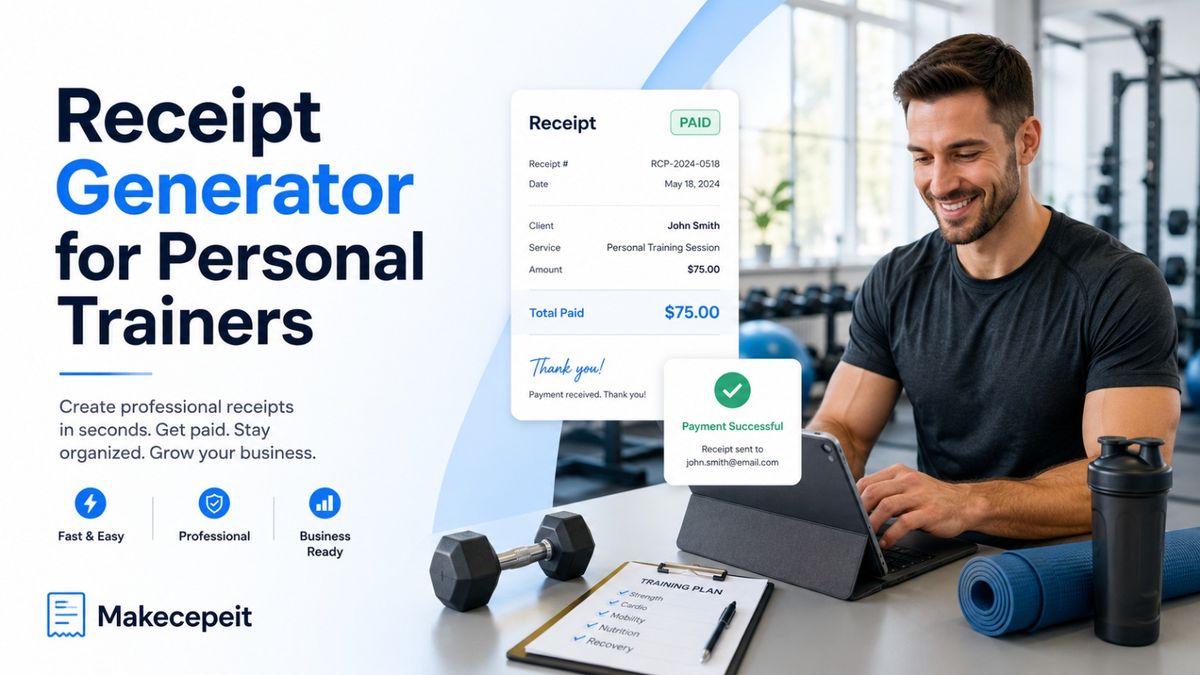
A receipt generator for personal trainers helps fitness professionals create clear proof of payment for individual sessions, training packages, assessments, online coaching, and other paid services. Instead of writing receipts manually or rebuilding a document every time a client pays, trainers can enter the transaction details, verify the total, and create a professional digital receipt.
For independent trainers and fitness businesses across the United States, organized receipts also make payment tracking and recordkeeping easier. Makecepeit provides an online receipt-building option that lets users customize business details, services, prices, taxes, and payment information before exporting the finished receipt.
What Is a Receipt Generator for Personal Trainers?
A receipt generator for personal trainers is an online tool used to document a payment that has already been received for fitness or coaching services. The receipt records who received the payment, what the client purchased, how much was paid, and when the transaction occurred.
Unlike a generic store receipt, a personal training receipt should describe fitness services in terms clients can easily understand. Examples may include a 60-minute private training session, a 10-session package, an initial fitness assessment, small-group training, virtual coaching, or monthly programming.
A useful personal training receipt answers four questions immediately: who was paid, what was purchased, how much was paid, and when payment was received.
Why Personal Trainers in the United States Need Clear Receipts
Personal trainers frequently work as sole proprietors, independent contractors, mobile trainers, online coaches, or owners of small fitness studios. Payments may arrive through cash, cards, bank transfers, payment apps, or online booking systems. Without consistent documentation, matching those payments to clients and services can become unnecessarily difficult.
Receipts create a transaction trail. They can help trainers organize revenue, answer client questions, reconcile payments, and prepare accurate bookkeeping records.
The IRS advises businesses to maintain records that clearly show income and expenses. Supporting business documents can include receipts, invoices, deposit information, and similar records used to support entries in the business's books and tax returns.
This does not mean one receipt format automatically satisfies every federal, state, local, contractual, or reimbursement requirement. Personal trainers should maintain records appropriate to their business and check applicable rules when tax treatment or documentation requirements are uncertain.
What Should a Personal Trainer Receipt Include?
A professional personal trainer receipt should contain enough information to identify the transaction without overwhelming the client. The most useful receipts combine basic business information with specific details about the training service purchased.
Trainer or Business Information
Include the trainer's professional name or business name and useful contact information. Trainers operating under a studio or registered business name should use the name clients recognize from their booking or payment experience.
Client Information
Include the client's name when appropriate. This is especially helpful for prepaid packages, corporate wellness arrangements, recurring coaching, or situations where the client needs personalized proof of payment.
Unique Receipt Number
A unique receipt number makes it easier to find a transaction later. Trainers can use a simple sequential system such as PT-1001, PT-1002, and PT-1003 rather than creating random identifiers.
Payment and Service Dates
Show the date payment was received. If the payment covers a different service date or a future package of sessions, describe that separately to avoid ambiguity.
Clear Description of Services
A line such as "Training — $500" provides little context. A clearer description would be "5 one-on-one personal training sessions, 60 minutes each."
Other common line items include:
- Single personal training session
- Five- or ten-session training package
- Initial fitness assessment
- Online coaching package
- Workout programming
- Semi-private training
- Small-group fitness coaching
- Monthly coaching services
Amount Paid and Payment Method
Clearly display the subtotal, applicable tax or adjustments, final total, amount paid, and payment method. Avoid displaying unnecessary sensitive payment information. If a card reference is included, use only appropriately limited details rather than a complete card number.
Personal Trainer Receipt vs. Invoice: What Is the Difference?
An invoice normally requests payment, while a receipt confirms that payment has been received. Personal trainers may use both documents during the same client relationship.
| Feature | Personal Trainer Invoice | Personal Trainer Receipt |
|---|---|---|
| Main purpose | Requests payment | Confirms payment |
| Issued | Before payment or when payment becomes due | After payment is received |
| Amount due | Usually shows an outstanding balance | Usually shows the amount paid |
| Useful for | Billing and payment collection | Proof of payment and recordkeeping |
| Typical fitness use | Requesting payment for a training package | Confirming that the package was paid for |
If a client has not yet paid, sending a document labeled "receipt" can create confusion. Use an invoice for money still owed and a receipt after the payment is completed.
How to Create a Personal Training Receipt Online
Creating a personal trainer receipt should take only a few structured steps. The goal is to document the transaction accurately, not to fill the page with unnecessary information.
- Enter your business information. Add the trainer or fitness business name and relevant contact details.
- Add the client. Include the client's name when the receipt should be personalized.
- Describe the training service. Specify the service, quantity of sessions, package, or coaching period.
- Enter the amount. Add the session price, package fee, discount, tip, or other relevant adjustment.
- Handle taxes carefully. Apply sales tax only when it is appropriate for the transaction and jurisdiction.
- Add payment details. Record the payment date and method.
- Assign a receipt number. Keep identifiers consistent for easier recordkeeping.
- Review the information. Confirm names, dates, services, totals, and payment status.
- Export and store the receipt. Save a digital version for your records and provide a copy to the client.
With Makecepeit, users can edit receipt fields while viewing a live preview and customize items, tax information, tips, discounts, and payment details. The platform supports downloadable document and image formats, including PDF and PNG.
How Receipts Work for Personal Training Packages
Training packages deserve more detail than a standard single-session receipt because one payment can cover several future appointments.
For example, instead of writing:
Personal Training — $800
use a description such as:
10-session one-on-one personal training package — 60 minutes per session — $800 paid
If you maintain separate package policies, the receipt may also reference the package name or purchase date. Terms such as expiration, cancellation, rollover, or refund policies should remain consistent with the agreement presented to the client.
A payment receipt should not silently introduce new contractual terms after a client has already paid.
How to Handle Sales Tax on Personal Training Receipts
Do not assume that one sales-tax rule applies to every personal trainer in the United States. Tax treatment can depend on the state, locality, services provided, business structure, and items sold with the service.
If tax applies to a transaction, show it clearly rather than hiding it inside an unexplained total. If tax does not apply, do not add a fictional tax amount simply to make a receipt look more formal.
Trainers working in markets such as New York, Los Angeles, Miami, Chicago, Dallas, or smaller U.S. cities should check the rules that apply where they conduct business. State and local requirements can differ, so questions about taxable services should be confirmed with the relevant tax authority or a qualified tax professional.
Benefits of Using a Digital Receipt Generator
Faster Administrative Work
A reusable online generator reduces the need to format every transaction manually. That matters for trainers who want to spend less time on paperwork between sessions.
More Consistent Client Communication
Using the same structure for each transaction creates predictable documentation. Clients can quickly find the service description, payment amount, and date without searching through texts or bank statements.
Cleaner Business Records
Receipts can help match incoming payments with specific training services. The IRS notes that good records help businesses identify sources of income, monitor business progress, prepare financial information, and support tax-return entries.
Professional Proof of Payment
A properly prepared receipt looks more credible than a casual message saying, "Payment received." This can be particularly useful for corporate clients, wellness programs, reimbursement requests, and clients who maintain detailed personal records. Eligibility for any reimbursement program depends on that program's specific rules.
Convenient Digital Delivery
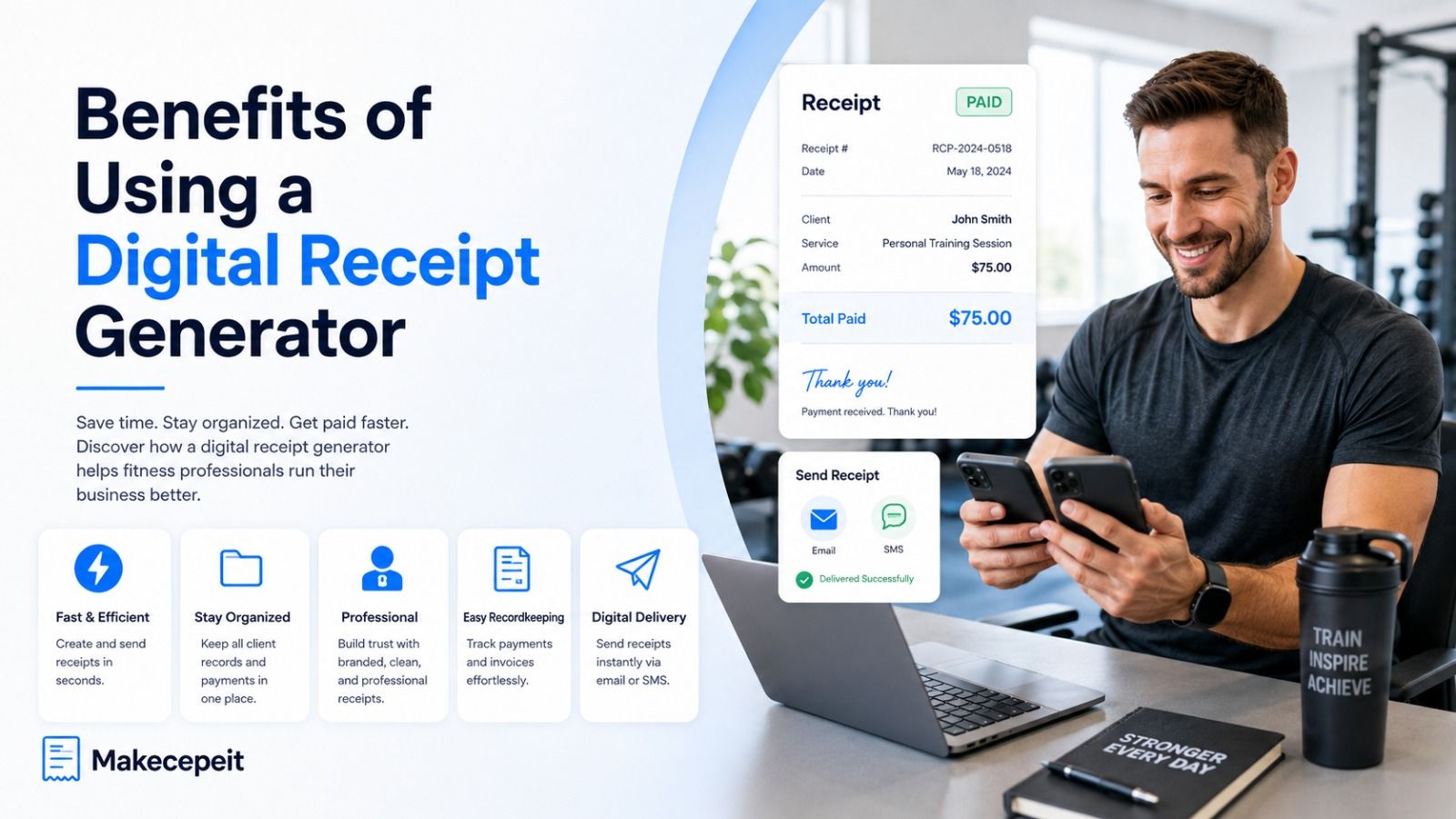
A PDF or image receipt can be sent electronically and stored with client or accounting records. Digital documents also reduce dependence on handwritten receipt books.
Why Use Makecepeit for Personal Trainer Receipts?
Makecepeit is useful for trainers who want a straightforward way to create customized receipts without manually designing every document.
The current Makecepeit receipt builder allows users to build and preview a receipt without signing up, edit business and transaction information through a live preview, and customize line items, prices, tax, tips, discounts, and payment details. A free account is required for downloads, and the service supports formats including PDF, PNG, and JPG.
For a personal trainer, those capabilities can be adapted to common transactions such as single sessions, prepaid packages, assessments, virtual training, and recurring coaching payments.
The main advantage is flexibility: trainers can describe what the client actually purchased instead of relying on a generic document that only shows a total.
Example of a Personal Trainer Receipt
A straightforward receipt could contain information similar to the following:
- Business: Peak Strength Personal Training
- Receipt Number: PT-1048
- Client: Jordan Taylor
- Payment Date: September 1, 2026
- Service: Five one-on-one personal training sessions, 60 minutes each
- Quantity: 5 sessions
- Package Total: $500.00
- Amount Paid: $500.00
- Payment Method: Credit card
- Status: Paid
This example is intentionally simple. A trainer should adjust the fields to match the actual transaction, business needs, and applicable requirements.
Tips Before Choosing a Receipt Generator for Your Training Business
A receipt tool should make documentation simpler rather than creating another administrative problem. Before choosing one, check the practical details that affect your daily workflow.
- Check customization: You should be able to describe sessions, packages, assessments, and coaching accurately.
- Review export options: PDF is especially useful for sending and archiving professional documents.
- Confirm tax flexibility: The tool should not force an incorrect tax rate into every transaction.
- Look for clear totals: Clients should immediately see what they paid.
- Use consistent receipt numbers: A simple numbering system makes records easier to search.
- Think about privacy: Avoid adding health information or sensitive client data that is unnecessary for documenting payment.
- Keep your own copy: Sending a receipt to a client should not be your only record of the transaction.
Common Personal Trainer Receipt Mistakes to Avoid
Using a Receipt Before Payment
A receipt should generally document a completed payment. If the client still owes money, an invoice is usually the clearer document.
Using Vague Service Descriptions
"Fitness services" is less useful than "8-session private training package." Specific descriptions make disputes and bookkeeping easier to resolve.
Forgetting the Payment Date
A service date and a payment date are not always the same. Record the actual payment date accurately.
Applying the Wrong Tax
Never copy a sales-tax percentage from another state, business, or example receipt without checking whether it applies to your transaction.
Mixing Receipts and Session Tracking
A receipt proves payment. It does not need to become a complete client training log. Keep workout data, progress notes, health information, and detailed coaching records in the appropriate system.
Changing Package Terms on the Receipt
Policies involving cancellations, expiration dates, refunds, or missed appointments should be communicated clearly before purchase. The payment receipt should accurately reflect the transaction rather than introduce unexpected conditions afterward.
Build a More Organized Personal Training Business
A good receipt system is a small operational improvement that can make a noticeable difference as a personal training business grows. Accurate documentation helps clients understand what they purchased while giving trainers clearer records of payments, packages, and revenue.
The most useful personal trainer receipt is not the most complicated one. It is the one that accurately identifies the trainer, client, service, payment date, amount, and transaction status.
If you want to move away from handwritten receipts or manually edited documents, Makecepeit provides a practical way to create customized digital receipts for personal training payments. Enter the real transaction details, review the receipt carefully, and keep organized copies as part of your normal business recordkeeping process.
Frequently asked questions
- What is a receipt generator for personal trainers?
- A receipt generator for personal trainers is a tool that creates proof-of-payment documents for fitness sessions, training packages, assessments, online coaching, and related services.
- What should a personal trainer receipt include?
- Include the trainer or business name, client name when appropriate, receipt number, payment date, service description, amount paid, payment method, and applicable tax information.
- Do personal trainers need to provide receipts?
- Providing receipts is a useful business practice because it gives clients proof of payment and helps trainers maintain clear transaction records. Specific legal or tax requirements can vary by jurisdiction and transaction.
- Is a personal trainer receipt the same as an invoice?
- No. An invoice usually requests payment, while a receipt normally confirms that a payment has already been received.
- Can I create a receipt for a package of training sessions?
- Yes. Clearly state how many sessions the client purchased, the type or duration of the sessions, the package price, and the amount paid.
- Can a personal training receipt be sent as a PDF?
- Yes. PDF receipts are convenient for email delivery, client records, bookkeeping, and digital storage.
- Should I put sales tax on a personal trainer receipt?
- Only when applicable. Sales-tax rules differ across U.S. states and local jurisdictions, so trainers should confirm the requirements that apply to their services and location.
- Should a receipt include every training session date?
- Not necessarily. For a package purchase, the receipt can identify the number and type of sessions purchased. Detailed attendance or workout records can be maintained separately.
- Can independent personal trainers use Makecepeit?
- Makecepeit's customizable receipt builder can be used to document services, amounts, payment details, taxes, and other transaction information, making it suitable for common independent-trainer payment scenarios.
- How should personal trainers store receipts?
- Keep receipts in an organized system that allows transactions to be matched to income records. The IRS recommends retaining records needed to support income, deductions, and information reported on tax returns.