Proof of Purchase Receipt Generator PDF
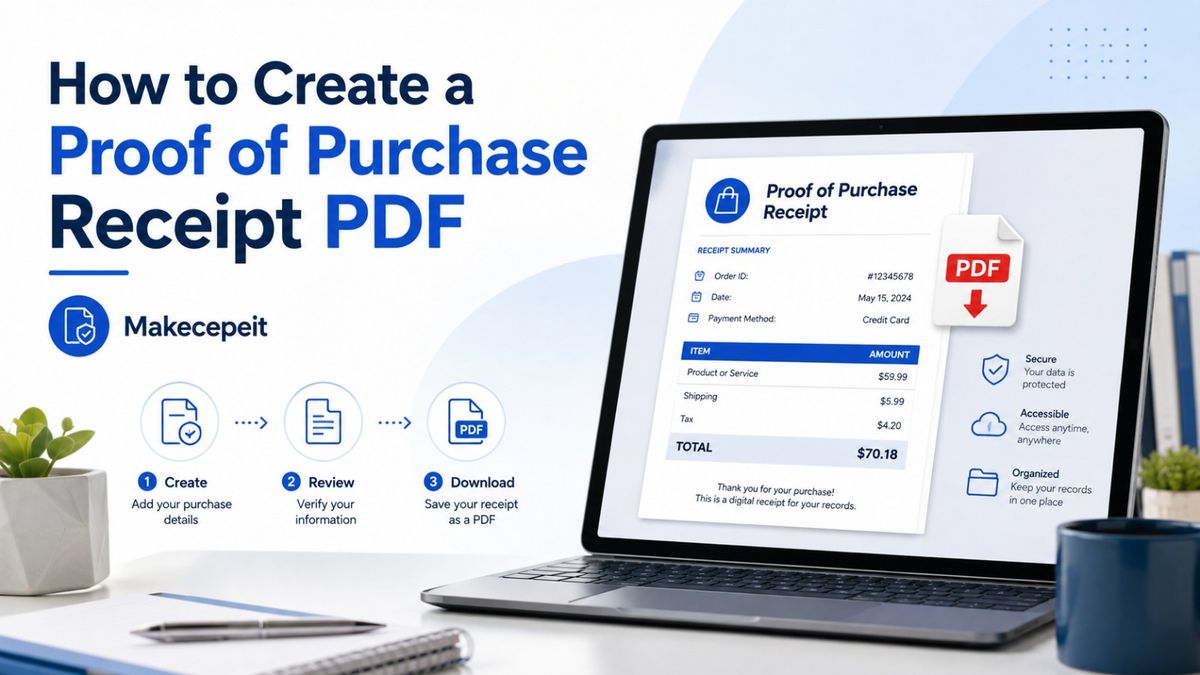
A proof of purchase receipt generator PDF helps you create a clear digital record of a legitimate transaction and save it in a format that is easy to download, print, email, or archive. For small businesses, freelancers, independent sellers, service providers, and customers across the United States, a properly prepared receipt can document what was purchased, when the transaction occurred, how much was paid, and who received the payment.
With Makecepeit, users can prepare professional receipt records without manually formatting every line of a document. The important rule is simple: a generated receipt should accurately document a transaction that genuinely happened. It should never be used to invent a purchase, alter a transaction, or misrepresent information to a retailer, employer, insurer, financial institution, tax authority, or warranty provider.
What Is a Proof of Purchase Receipt Generator PDF?
A proof of purchase receipt generator is an online tool that organizes genuine transaction details into a structured receipt and allows the finished document to be exported as a PDF.
The PDF may include the seller or business name, transaction date, receipt number, purchased products or services, quantities, prices, applicable sales tax, payment method, and final amount paid. Instead of creating this information manually in a word processor, a receipt generator places it into a readable document designed specifically for transaction records.
A generated receipt can document a real transaction, but creating a PDF does not automatically make it an official retailer-issued proof of purchase. When a store, manufacturer, employer, or other organization requires original documentation, request a duplicate receipt or transaction confirmation directly from the original merchant.
What Should a Proof of Purchase Receipt Include?
A useful purchase receipt should make the transaction understandable without requiring additional explanation. The exact information depends on the type of purchase, but most complete receipts contain several core fields.
- Seller or business name: Identifies the person or company that received the payment.
- Business contact information: May include an address, phone number, email address, or other relevant details.
- Transaction date: Shows when the purchase took place.
- Receipt or transaction number: Helps identify the individual transaction in business records.
- Itemized products or services: Explains exactly what the customer purchased.
- Quantity and unit price: Clarifies how the total was calculated.
- Subtotal: Shows the amount before taxes, discounts, tips, or other adjustments.
- Sales tax: Identifies applicable tax separately when relevant.
- Total paid: States the final transaction amount clearly.
- Payment method: May indicate cash, credit card, debit card, digital payment, or another genuine payment method.
For privacy and security, avoid displaying complete payment card numbers, bank credentials, passwords, authentication codes, or unnecessary personal information on a receipt.
How to Create a Proof of Purchase Receipt PDF
Creating a receipt PDF should begin with the actual transaction information rather than with the appearance of the document. Accurate data matters more than making a receipt look elaborate.
- Collect the real transaction details. Confirm the seller, purchase date, items or services, prices, taxes, payment method, and total.
- Choose an appropriate receipt format. Select a layout suited to a retail purchase, service payment, business sale, cash transaction, or other legitimate purpose.
- Enter the seller information. Use your own business information or information you are authorized to include.
- Add the purchased items or services. Include meaningful descriptions, quantities, and prices.
- Review subtotal and tax information. Make sure the calculation reflects the actual transaction.
- Confirm the total and payment method. The information should agree with your legitimate transaction records.
- Check every field before exporting. Look for spelling mistakes, incorrect dates, duplicate items, or calculation errors.
- Export the receipt as a PDF. Save the finished document with a descriptive filename for easier recordkeeping.
A filename such as client-name-purchase-2026-08.pdf can be more useful for internal records than a generic filename such as receipt.pdf.
Why Use PDF for Proof of Purchase Records?
PDF is useful for receipts because it preserves the structure of a document across different devices and operating systems. A receipt saved as a PDF can generally be viewed consistently on desktop computers, smartphones, tablets, and common document-management systems.
Easy to Store
Digital receipts can be organized into folders by customer, project, month, year, or business category. This is particularly helpful for freelancers and small businesses managing many transactions.
Easy to Send
A PDF receipt can be attached to an email, uploaded to an expense-management platform, or shared with a customer when appropriate.
Easy to Print
If a paper copy is needed, PDF documents are normally easier to print consistently than information copied from emails, text messages, or web pages.
Useful for Recordkeeping
Digital records can help businesses maintain organized transaction documentation when paired with invoices, payment confirmations, accounting records, contracts, or bank information.
Why Proof of Purchase Records Matter in the United States
Businesses and consumers across the United States regularly need transaction documentation for bookkeeping, expense reports, returns, customer service, project records, and internal accounting.
A freelancer in New York may need to document a completed client payment. A service provider in Texas may need to issue a receipt after receiving payment. A small retailer in California may want digital copies of sales receipts for internal organization. The underlying requirement is the same: the receipt should reflect a real transaction accurately.
Sales tax requirements can also differ by state and locality. A receipt generator may help organize tax information, but users remain responsible for entering the correct tax treatment for their actual transaction. Software should not be treated as a substitute for accounting, tax, or legal advice.
Can a Generated PDF Be Used as Proof of Purchase?
Sometimes, but acceptance depends on who is requesting the document. A receipt generated by a business for its own legitimate sale can serve as a customer transaction record. However, creating a document yourself does not turn it into an original receipt issued by another retailer.
| Document Type | What It Shows | Typical Use |
|---|---|---|
| Merchant-issued receipt | Transaction recorded by the original seller | Returns, warranties, purchase verification and personal records |
| Business-generated receipt | A genuine sale or payment received by the business creating it | Customer records, bookkeeping and payment confirmation |
| Bank or card statement | Payment amount and merchant transaction | Supporting payment evidence |
| Invoice marked paid | Amount charged and payment status | Business-to-business and freelance transactions |
| Order confirmation | Purchase details from a seller or ecommerce platform | Supporting transaction documentation |
If you lost a receipt from a major retailer, requesting a duplicate directly from that retailer is generally more reliable than recreating its document independently.
Proof of Purchase Receipts for Freelancers and Small Businesses
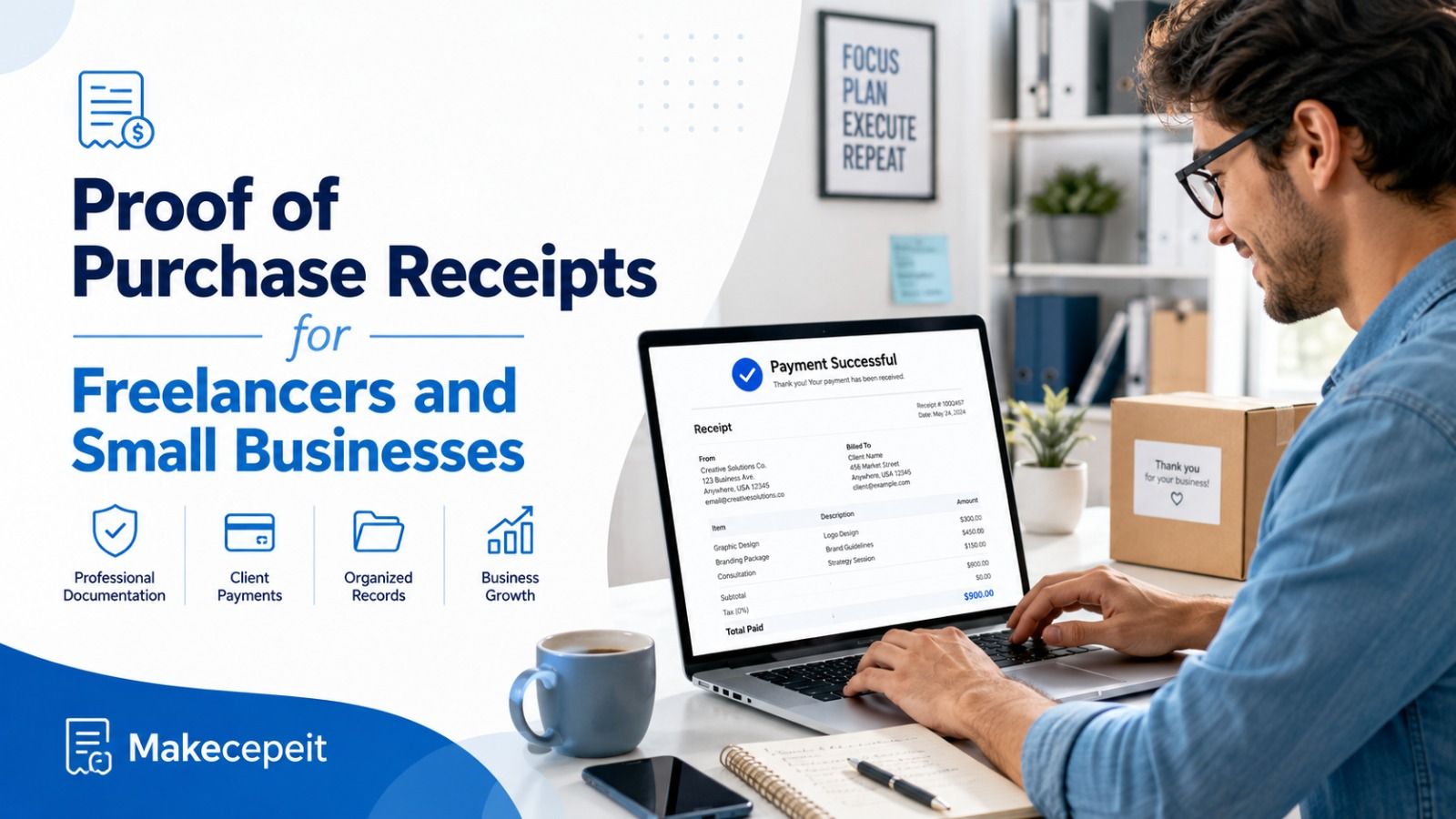
Freelancers and independent service providers often need a simple way to acknowledge that a customer has paid. A professional receipt PDF can complement an invoice by documenting completion of payment.
For example, a photographer, consultant, tutor, cleaner, repair professional, designer, or independent contractor may issue an invoice before payment and a receipt after the money has been received.
The receipt can include the service description, transaction date, customer reference, amount paid, payment method, and receipt number. Maintaining consistent receipt numbers can also make internal bookkeeping easier.
Businesses should keep the receipt information consistent with their invoices, payment processor records, bookkeeping software, and bank transactions. Conflicting records can create unnecessary confusion later.
Proof of Purchase Receipt vs Invoice
A receipt and an invoice perform different jobs. An invoice normally requests payment, while a receipt normally confirms that a transaction has been completed or payment has been received.
For example, a freelancer may send a $500 invoice when work is completed. After receiving the genuine $500 payment, the freelancer can issue a receipt confirming the payment. Keeping both documents creates a clearer transaction history than relying on either document alone.
Some businesses use paid invoices as transaction records. Others issue a separate receipt. The best approach depends on the business workflow and the documentation required by the customer.
Why Choose Makecepeit for Receipt PDF Creation?
Makecepeit provides a streamlined way to create, review, and export receipt documents without manually designing a receipt from the beginning.
Users can enter business details, transaction information, individual items, prices, tax information, and payment details while reviewing the receipt before downloading it. PDF export makes the finished record practical for printing, emailing, expense documentation, and digital organization.
The service can be particularly useful for legitimate small-business receipts, freelance payments, personal transaction records, customer documentation, and replacement records where the information comes from a real transaction.
Most importantly, the document should remain truthful. A professional appearance should improve readability, not disguise inaccurate information.
Important Tips Before Generating a Purchase Receipt
Verify the Transaction First
Check your bank statement, payment processor, invoice, order confirmation, email record, or accounting system before entering transaction information.
Use Accurate Dates
Do not estimate a date when an exact transaction date is available. Dates are often important when records are later compared.
Itemize the Purchase
A receipt showing what was purchased is usually more useful than a document containing only the total amount.
Keep Taxes Separate
When sales tax legitimately applies, display it separately so the subtotal and final amount are easy to understand.
Protect Financial Information
Never include complete credit card numbers, online banking credentials, PINs, security codes, or other sensitive authentication information.
Keep Supporting Records
When appropriate, store the receipt alongside invoices, payment confirmations, contracts, order confirmations, or other records that independently support the transaction.
Common Mistakes to Avoid With Receipt Generators
The most serious receipt mistakes are not formatting problems. They involve incorrect, incomplete, or misleading information.
- Creating a purchase that never occurred.
- Changing the genuine purchase amount.
- Using an inaccurate transaction date.
- Claiming a self-created document was issued by a retailer when it was not.
- Using another company's logo or identity without authorization.
- Submitting fabricated receipts for expense reimbursement.
- Using false receipts for returns, warranty claims, insurance claims, or tax deductions.
- Entering an incorrect sales tax amount.
- Leaving out important item descriptions.
- Including unnecessary sensitive financial information.
A receipt generator should organize legitimate records. It should never be used to manufacture evidence for a transaction that cannot be supported by real underlying information.
What to Do If You Lost the Original Receipt
If the original receipt came from another business, start by trying to recover it from the original source.
- Check your email for an electronic receipt or order confirmation.
- Review your online account with the merchant.
- Contact the store or service provider and request a duplicate receipt.
- Check payment processor or card records for the transaction.
- Keep supporting documents together if the original receipt cannot be recovered.
If you are recreating your own business record from verified transaction information, clearly identify it as your record when necessary rather than representing it as an original document issued by another company.
How to Organize Digital Purchase Receipts
Generating the receipt is only one part of good recordkeeping. A simple filing system makes receipts easier to locate later.
Create folders by year and month, then use descriptive filenames containing information such as the customer, vendor, date, or transaction number. Businesses may also connect receipts with corresponding invoice numbers.
For important transactions, keeping more than one legitimate supporting record can be useful. A receipt, invoice, payment confirmation, and bank transaction each provide different information about the same purchase.
Final Thoughts on Using a Proof of Purchase Receipt Generator PDF
A proof of purchase receipt generator PDF can simplify legitimate transaction documentation for businesses, freelancers, independent sellers, and consumers throughout the United States. A well-prepared receipt identifies the transaction clearly, includes meaningful itemization, displays accurate totals, and creates an organized record that can be stored or shared when appropriate.
The most important principle is accuracy. A generated document should reflect a transaction that genuinely happened and should not be presented as an original retailer-issued document when it is not.
If you need a clean way to organize genuine transaction details and export them into a professional PDF, Makecepeit provides a practical next step. Enter the verified purchase information, review every field carefully, and create a receipt you can confidently keep with your legitimate business or personal records.
Frequently asked questions
- What is a proof of purchase receipt generator PDF?
- It is a tool that converts legitimate transaction details into a structured receipt that can be downloaded and stored as a PDF.
- Can I create a proof of purchase receipt online?
- Yes. You can create receipts online for genuine purchases, customer payments, business sales, and other legitimate transaction records.
- Is it legal to create your own receipt?
- Creating a receipt for a real transaction is generally legitimate. Creating or altering a receipt to deceive another person or organization is not an appropriate use.
- Can a generated receipt be used for a store return?
- Only if the retailer accepts it and the document truthfully represents the transaction. For retailer purchases, requesting an official duplicate receipt is usually the safer option.
- What information should a purchase receipt contain?
- It should normally contain seller details, transaction date, receipt number, item descriptions, quantities, prices, applicable tax, total amount, and payment method.
- Why should I save my receipt as a PDF?
- PDF files preserve document formatting and are convenient for storing, printing, emailing, and uploading to recordkeeping systems.
- Can freelancers issue PDF receipts?
- Yes. Freelancers can issue receipts for genuine customer payments and keep copies with invoices and payment records.
- Is a bank statement the same as a receipt?
- No. A bank statement proves that a payment occurred but may not contain itemized information about what was purchased.
- Can I replace a lost merchant receipt with a generated receipt?
- A generated record does not automatically replace an official merchant receipt. First request a duplicate or transaction confirmation from the original seller.
- Can Makecepeit create downloadable receipt PDFs?
- Yes. Makecepeit can be used to enter and review legitimate receipt information and export the finished receipt as a PDF for recordkeeping or sharing.