Pizza Receipt Generator With Delivery Fee
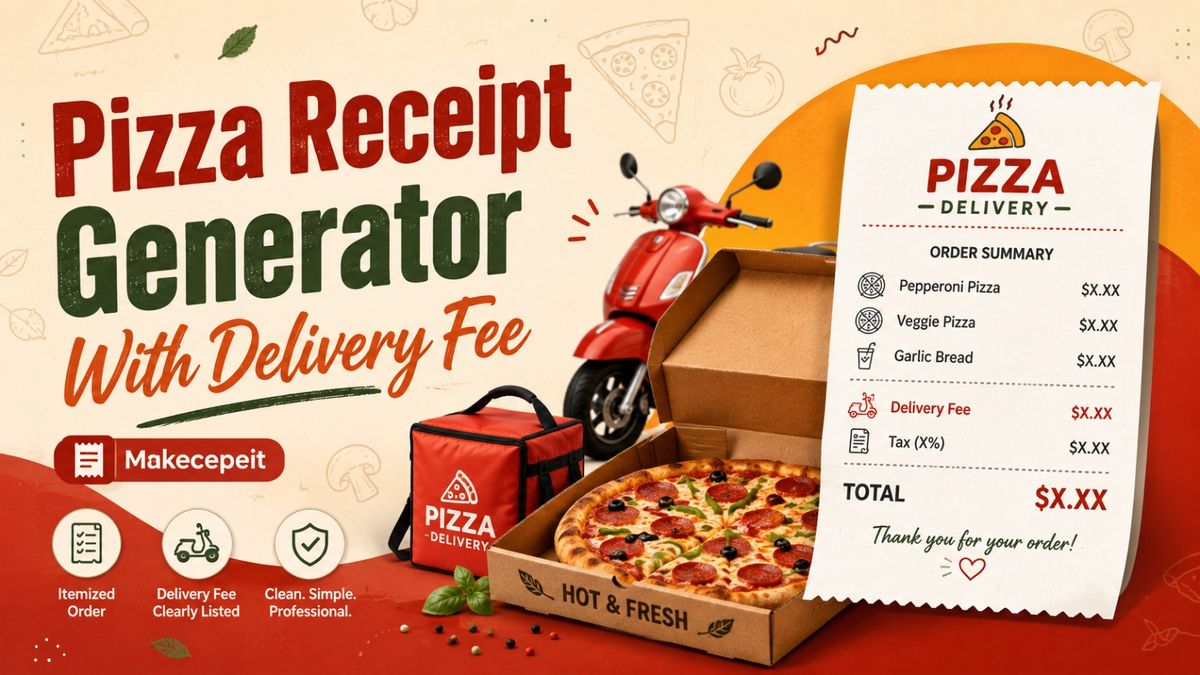
A pizza receipt generator with delivery fee helps you create a clear, itemized record of a pizza order that includes menu items, toppings, quantities, subtotal, delivery charges, taxes, tips, payment details, and the final total. Instead of manually formatting every line, a receipt generator organizes the information into a familiar restaurant-style format.
For users in the United States who need a clean pizza order receipt for legitimate business records, demonstrations, expense documentation, design projects, or order-management purposes, makecepeit provides a practical way to structure the information consistently. The most important part is accurately separating the food subtotal from delivery fees, tax, tips, and other charges so the final amount is easy to understand.
What Is a Pizza Receipt Generator With Delivery Fee?
A pizza receipt generator with delivery fee is an online tool designed to create an itemized pizza order receipt while displaying the delivery charge as a separate line item. It can represent the same basic structure customers commonly see when ordering food for delivery in the United States.
A properly structured pizza delivery receipt generally identifies what was ordered, how much each item cost, and how additional charges contributed to the final total.
A useful pizza receipt should make it possible to understand the entire transaction at a glance: the order, subtotal, delivery charge, tax, tip, payment method, and total.
Separating these amounts is particularly important because a delivery fee is not necessarily the same thing as a driver tip. Keeping them on different lines makes the receipt clearer for both customers and businesses.
What Should a Pizza Delivery Receipt Include?
A detailed pizza receipt should include enough information to identify the order and explain how the final amount was calculated.
- Restaurant or pizza shop name
- Restaurant location or contact details when applicable
- Order number
- Date and time of the order
- Pizza size and type
- Selected toppings or modifiers
- Additional menu items such as wings, drinks, or desserts
- Quantity and individual item prices
- Food subtotal
- Delivery fee
- Applicable sales tax
- Tip or gratuity when applicable
- Discounts or promotional adjustments
- Payment method
- Final order total
This itemized format improves readability and makes the receipt more useful for bookkeeping, order review, expense tracking, or customer service.
How a Delivery Fee Should Appear on a Pizza Receipt
The delivery fee should normally appear as its own line between the subtotal and the final total. It should not be hidden inside the price of the pizza or combined with the tip.
For example, a basic receipt structure could look like this:
| Receipt Item | Example Amount |
|---|---|
| Large Pepperoni Pizza | $18.99 |
| Garlic Bread | $6.00 |
| Food Subtotal | $24.99 |
| Delivery Fee | $4.50 |
| Sales Tax | Calculated based on applicable rules |
| Driver Tip | Optional |
| Total | Subtotal plus applicable charges |
Keeping every charge separate makes the document much easier to understand and reduces confusion about what the customer actually paid for.
Delivery Fee vs Driver Tip on a Pizza Receipt
A delivery fee and a driver tip should be treated as separate receipt elements. A delivery fee is generally a charge associated with providing delivery service, while a tip is an amount voluntarily added by the customer.
| Feature | Delivery Fee | Driver Tip |
|---|---|---|
| Usually added by restaurant or platform | Yes | No |
| Usually chosen by customer | No | Yes |
| Should appear separately | Yes | Yes |
| May affect order total | Yes | Yes |
Anyone creating a pizza delivery receipt should avoid labeling the delivery charge as a tip unless that accurately reflects the transaction.
How to Use a Pizza Receipt Generator
Creating a structured pizza receipt is typically a straightforward process. The key is entering the order information in the same sequence customers expect to see on a restaurant receipt.
- Enter the restaurant information. Add the restaurant name and relevant business details.
- Add the order number. Use a clear order identifier if one is required.
- Enter the date and time. Match the receipt information to the intended transaction or record.
- Add each pizza. Include the size, style, crust, and quantity.
- Enter toppings and modifiers. List extra cheese, pepperoni, vegetables, sauces, or other selected options when relevant.
- Add side items. Include drinks, wings, breadsticks, desserts, or similar menu items.
- Calculate the subtotal. This represents the cost of the ordered items before additional charges.
- Add the delivery fee. Display it separately instead of merging it with the subtotal.
- Add applicable tax and gratuity. Keep these values on their own lines.
- Review the total. Confirm that each amount contributes correctly to the final order value.
A careful review before saving or using the receipt helps prevent basic mathematical or formatting errors.
Why Pizza Receipts Need Detailed Order Information
Pizza orders often contain more customization than many other restaurant purchases. One pizza may have different crust options, sauces, topping combinations, size upgrades, and additional charges.
A receipt that simply says "Pizza — $25" may not provide enough information when someone needs to understand the transaction later.
Pizza Size
Including sizes such as small, medium, large, or extra-large makes the order easier to identify.
Crust Type
Restaurants may offer thin crust, traditional crust, pan pizza, stuffed crust, or gluten-conscious alternatives. Listing the selected option helps distinguish similar orders.
Toppings and Add-Ons
Premium toppings, extra cheese, additional sauces, and specialty ingredients may change the price. An itemized pizza receipt should reflect those modifications when they are relevant to the order total.
Quantity
Multiple pizzas should be clearly identified so the receipt does not create confusion between quantity and individual pricing.
Why Pizza Delivery Receipts Matter in the United States
Pizza delivery is common across major U.S. markets, including New York City, Los Angeles, Chicago, Houston, Phoenix, Philadelphia, Miami, and many smaller cities and suburban communities. Orders may be placed directly with a local pizzeria or through a restaurant's digital ordering system.
Regardless of the ordering method, customers generally expect a clear explanation of the amount charged. The receipt should make it obvious which part of the total came from food, delivery, tax, gratuity, or other legitimate charges.
Sales-tax treatment and restaurant charges can vary by jurisdiction and transaction type, so a generated receipt should not assume that one tax rate applies everywhere in the United States. When accuracy matters, users should enter information that matches the relevant transaction and local requirements.
Benefits of an Online Pizza Receipt Generator
An online pizza receipt maker can save time when compared with manually building a receipt layout from scratch.
Clear Itemization
Pizza prices, toppings, side dishes, delivery charges, tax, and gratuity can be displayed separately.
Consistent Formatting
A structured template helps maintain a predictable order of information, which makes receipts easier to read.
Faster Editing
If an order contains several pizzas or modifiers, changing structured fields is usually more practical than reformatting a document manually.
Better Record Organization
Order numbers, payment information, totals, and transaction details can be organized in one place.
Useful for Different Pizza Orders
The same basic receipt format can work for pickup, delivery, individual meals, office orders, or larger group orders as long as the information entered accurately reflects the intended record.
Pizza Receipt Generator vs Manual Receipt Template
Both approaches can create a receipt, but a generator is generally easier when the document contains several calculations or customized order lines.
| Feature | Pizza Receipt Generator | Manual Template |
|---|---|---|
| Quick order editing | Easy | Usually requires manual formatting |
| Delivery-fee field | Can be clearly separated | Must be created manually |
| Multiple toppings | Easy to organize | Can become cluttered |
| Tax and totals | Structured input | Manual calculation may be required |
| Consistent appearance | High | Depends on the template |
For complicated delivery orders, structured receipt generation can reduce formatting work and make the final document easier to verify.
Why Use makecepeit for Pizza Receipt Creation?
makecepeit can be useful when you need to organize pizza order information into a structured receipt format rather than manually designing every part of the document.
The value of a specialized receipt tool is not simply the visual appearance. It is the ability to organize transaction elements logically, including the food subtotal, delivery fee, applicable tax, gratuity, payment details, and final total.
For a pizza order with several toppings, side dishes, drinks, or modifiers, this structured approach can make the receipt easier to create and review.
Users should always enter truthful and appropriate information and use generated documents for legitimate purposes. A receipt generator should not be used to misrepresent a purchase or fabricate evidence of a transaction.
Tips Before Creating a Pizza Delivery Receipt
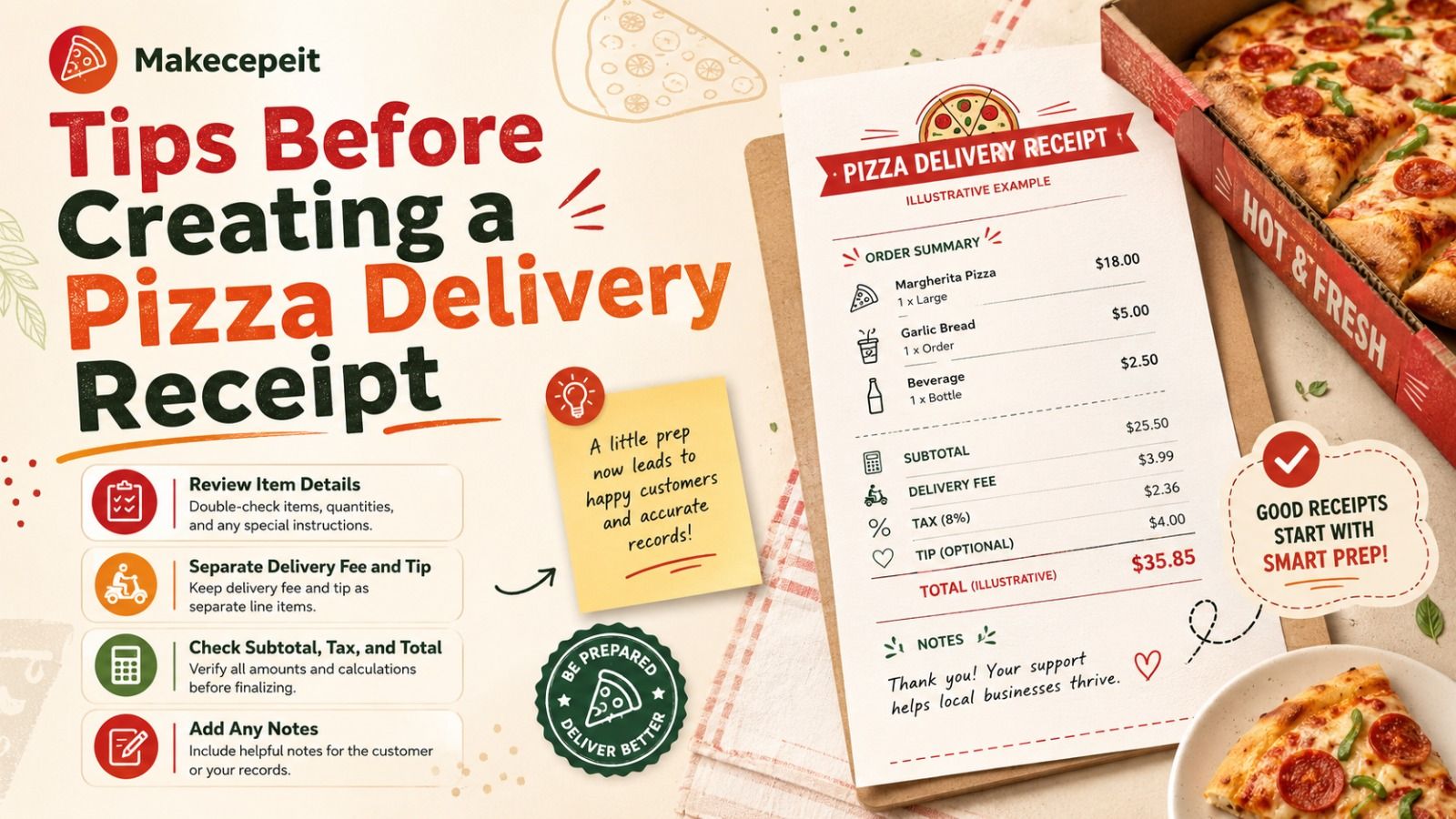
A few checks can make a significant difference in the quality and usefulness of the final receipt.
- Verify the restaurant name and order information.
- Check pizza quantities before calculating the subtotal.
- List paid toppings separately when appropriate.
- Do not confuse the delivery fee with the driver tip.
- Use the correct currency for the transaction.
- Check whether discounts should be deducted before or after other calculations.
- Use the applicable tax information rather than assuming one nationwide rate.
- Confirm that the subtotal and final total are mathematically consistent.
- Review the payment method and transaction date.
- Use the receipt only for legitimate documentation or permitted purposes.
Common Mistakes to Avoid With Pizza Receipts
Combining the Delivery Fee and Tip
These amounts have different purposes and should normally appear on separate lines.
Forgetting Paid Toppings
Extra cheese, specialty meats, premium vegetables, and other modifications can affect the item price. Leaving them out may cause the itemized total to appear inconsistent.
Using an Incorrect Tax Amount
Tax rules vary by location and transaction. Do not apply a random tax rate simply because an order is located somewhere in the United States.
Showing Only the Final Total
A receipt is more informative when the subtotal and additional charges are visible separately.
Adding Unrealistic Restaurant Details
Order numbers, store information, payment details, dates, and totals should be internally consistent with the intended legitimate use.
Misrepresenting a Transaction
A generated receipt should not be presented as proof of a purchase that did not occur. Use receipt-generation tools responsibly for legitimate recordkeeping, demonstrations, templates, testing, or other authorized purposes.
How to Make a Pizza Receipt Easier to Read
The best receipt layouts follow a logical visual order. Restaurant information comes first, followed by the order details, itemized menu products, subtotal, additional charges, and payment summary.
Descriptions should remain short. Instead of placing every modifier into one long sentence, separate important changes into readable order lines.
A typical sequence is:
- Restaurant information
- Order number and timestamp
- Pizza and menu items
- Toppings and modifiers
- Subtotal
- Discounts when applicable
- Delivery fee
- Tax
- Tip
- Final total
- Payment information
This order closely matches how people naturally review restaurant transactions and helps both users and search systems understand the purpose of each section.
When Is a Pizza Receipt Generator Useful?
A pizza receipt generator may be useful in several legitimate situations where structured restaurant-order information is required.
- Creating sample receipts for software demonstrations
- Testing restaurant or delivery interfaces
- Preparing training materials
- Organizing legitimate business expense records
- Creating fictional props or design mockups
- Building example restaurant documents
- Reviewing the structure of a delivery order
For actual financial reimbursement, tax reporting, accounting, or business audits, users should rely on genuine transaction documentation and applicable professional requirements.
Final Thoughts
A pizza receipt generator with delivery fee is most useful when it produces a transparent, itemized document rather than simply displaying a final price. Pizza costs, toppings, side dishes, discounts, delivery charges, tax, gratuity, payment method, and the total should each be easy to identify.
For U.S. users, it is also important to remember that taxes and restaurant charges can vary by location. Accurate information should always be based on the relevant transaction instead of generic assumptions.
If you need a structured way to prepare a pizza order receipt for an appropriate and legitimate purpose, makecepeit can help organize the details into a clear format. Enter the order information carefully, review every charge, and make sure the final receipt accurately reflects the information you intend to document.
Create a Clear Pizza Delivery Receipt With makecepeit
When your pizza order includes several items, toppings, taxes, and delivery charges, a structured receipt makes the transaction much easier to understand. Use makecepeit to organize your pizza receipt information, separate each charge clearly, review the final total, and create a clean document suited to your legitimate receipt-generation needs.
Frequently asked questions
- What is a pizza receipt generator with delivery fee?
- It is a tool that creates an itemized pizza receipt while displaying the delivery charge separately from food prices, tax, tips, and other charges.
- Can a pizza receipt include toppings?
- Yes. A detailed receipt can list toppings, crust modifications, extra cheese, sauces, and other paid add-ons.
- Should the delivery fee and driver tip be combined?
- No. They should generally appear as separate line items because they represent different charges.
- Can I add sales tax to a pizza receipt?
- Yes, but the amount should reflect the applicable rules for the relevant transaction and location rather than a single assumed U.S. tax rate.
- What information belongs on a pizza delivery receipt?
- Typical information includes order details, menu items, quantities, subtotal, delivery fee, tax, tip, payment method, and total.
- Can I include an order number?
- Yes. Adding an order number makes the receipt easier to identify and organize.
- Can a receipt include multiple pizzas?
- Yes. Each pizza can be listed separately with its size, quantity, toppings, and price.
- Can I include discounts on the receipt?
- Yes. Discounts or promotional adjustments can be displayed separately so their effect on the total is clear.
- Is a delivery receipt the same as an invoice?
- Not exactly. A receipt generally documents payment or transaction details, while an invoice usually requests payment for goods or services.
- Can I create a pizza receipt with makecepeit?
- makecepeit can be used to organize pizza order information into a structured receipt format for legitimate and appropriate uses.