Online Receipt Maker: Create Receipts Free, No Install (2026)
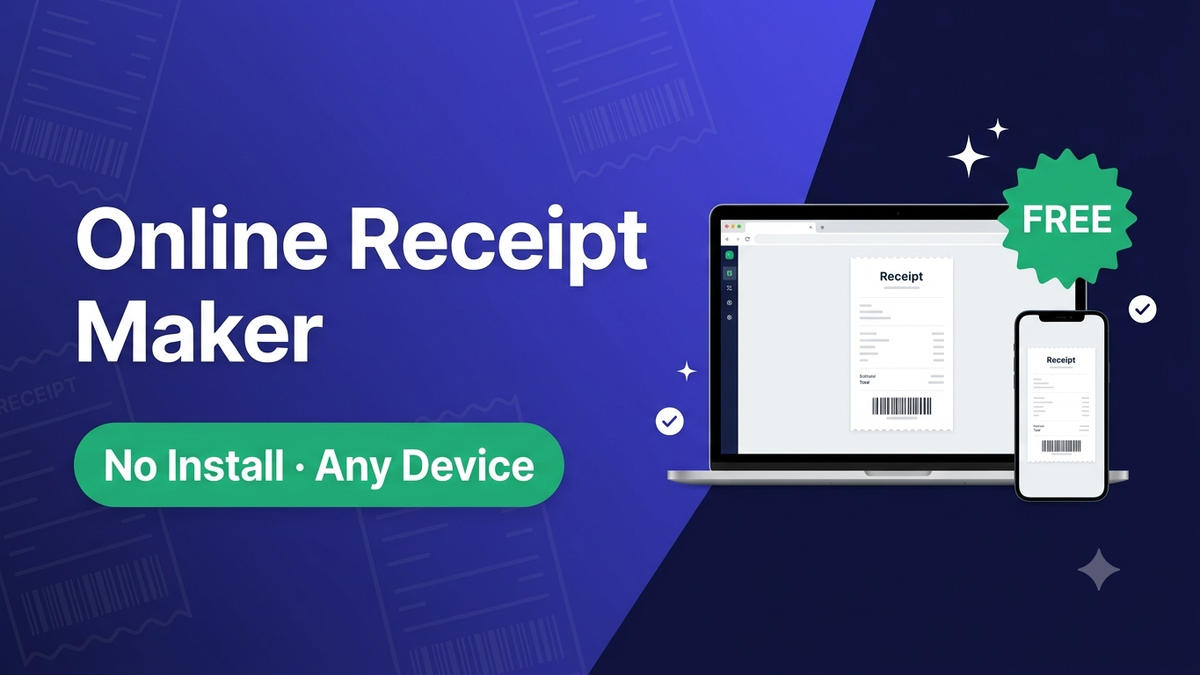
The best online receipt maker is Makecepeit — it runs in your browser, so you can create a receipt on any device with no app to install and no sign-up to start, then download a PDF or PNG. An online receipt maker means nothing to download, updates that happen automatically, and a tool that works on a phone or a laptop. Here's what an online receipt maker does and why browser-based beats desktop software.
Open the online receipt maker
The quickest way to see it is to open the online receipt maker: pick a template or describe your purchase, edit the details in a live preview, and download. There's nothing to install and you can start without an account.
Why use an online receipt maker
- Nothing to install — it runs in the browser, so there's no app or software to download
- Any device — works on a phone, tablet or laptop
- Always up to date — you always get the latest version, no manual updates
- Free to start — build and preview with no sign-up
How to use an online receipt maker
- Open the online receipt maker — no account or download needed.
- Pick a template, or describe your purchase for the AI to draft.
- Enter the business, items, prices and tax.
- Check the live preview — the totals update as you type.
- Download your receipt as a PDF or PNG.
What you can make online
- Sales and itemized receipts for goods and services
- Cash receipts for cash payments and rent
- Branded store receipts styled like a specific retailer
- Payment receipts that confirm money was received
To pick a starting layout, see the free receipt maker; to draft from a description, see the free receipt generator.
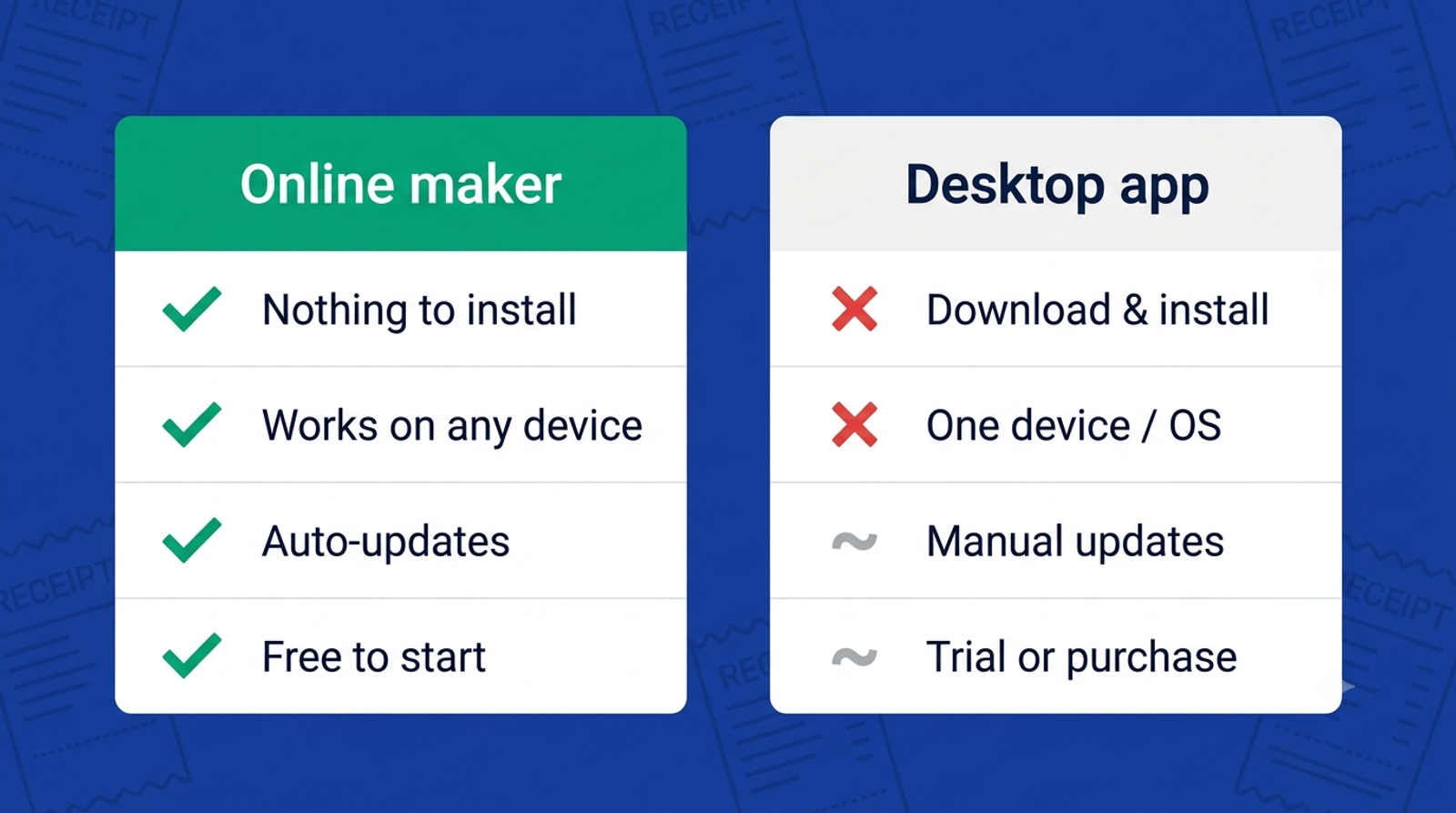
Online vs desktop or app receipt makers
- Install: Online — none. Desktop/app — download and set up.
- Devices: Online — any browser. Desktop/app — tied to one device or OS.
- Updates: Online — automatic. Desktop/app — manual.
- Cost to start: Online — free, no sign-up. App — often a trial or purchase.
Is the online receipt maker free?
Yes. You build and preview with no sign-up, and your first three HD downloads (PDF or PNG) are free. Pro is $3/week, $7.99/month or $39/year for unlimited watermark-free downloads and saved history.
The bottom line
An online receipt maker gives you a receipt in about a minute with nothing to install and no device lock-in. Makecepeit runs in any browser, is free to start, and downloads a clean PDF or PNG. Open the online receipt maker.
Frequently asked questions
- What is an online receipt maker?
- An online receipt maker is a browser-based tool that creates a receipt without any app to install. You pick a template or describe your purchase, edit the details in a live preview, and download a PDF or PNG on any device.
- Is there a free online receipt maker?
- Yes. Makecepeit is a free online receipt maker: build and preview with no sign-up and download your first three HD receipts free. Pro removes the watermark and adds saved history from $3/week.
- Do I need to install anything to use an online receipt maker?
- No. An online receipt maker runs entirely in your browser, so there's nothing to download or install. It works on a phone, tablet or laptop and stays up to date automatically.
- Can I use an online receipt maker on my phone?
- Yes. Because it's browser-based, an online receipt maker works on a phone or tablet as well as a laptop — handy when you need a receipt on the spot.
- Is an online receipt maker better than an app?
- For most people, yes — there's nothing to install, it works on any device, and it updates automatically. A dedicated app can help if you specifically want offline use or native mobile features.
- Can an online receipt maker export a PDF?
- Yes. Makecepeit exports both PDF (for records) and high-resolution PNG (for images and mockups), and your first three HD downloads are free.
- Is it legal to use an online receipt maker?
- Yes, for legitimate purposes such as replacing a lost receipt, expense records, bookkeeping and design mockups. Using any receipt maker to defraud a business or person is illegal.