Make a Receipt: For a Sale, Cash, Rent or Client (2026)
To make a receipt, record who paid whom, for what, when, how much and how it was paid — then give it a receipt number and save a copy. The exact details shift a little with the situation, so here's how to make a receipt for the most common cases: a sale, a cash payment, rent, a private second-hand sale, and a client payment.
Make a receipt now
Open the receipt builder, pick the case that matches, fill in the details in a live preview, and download a PDF or PNG — free, with no sign-up to start. For the full field-by-field basics, see how to make a receipt.
What every receipt needs
- Payee and payer — who received the money and who paid
- Date and a unique receipt number
- What it was for — itemized where possible
- Amount, tax and total
- Payment method — cash, card or transfer
How to make a receipt for common situations
A sale (goods or services)
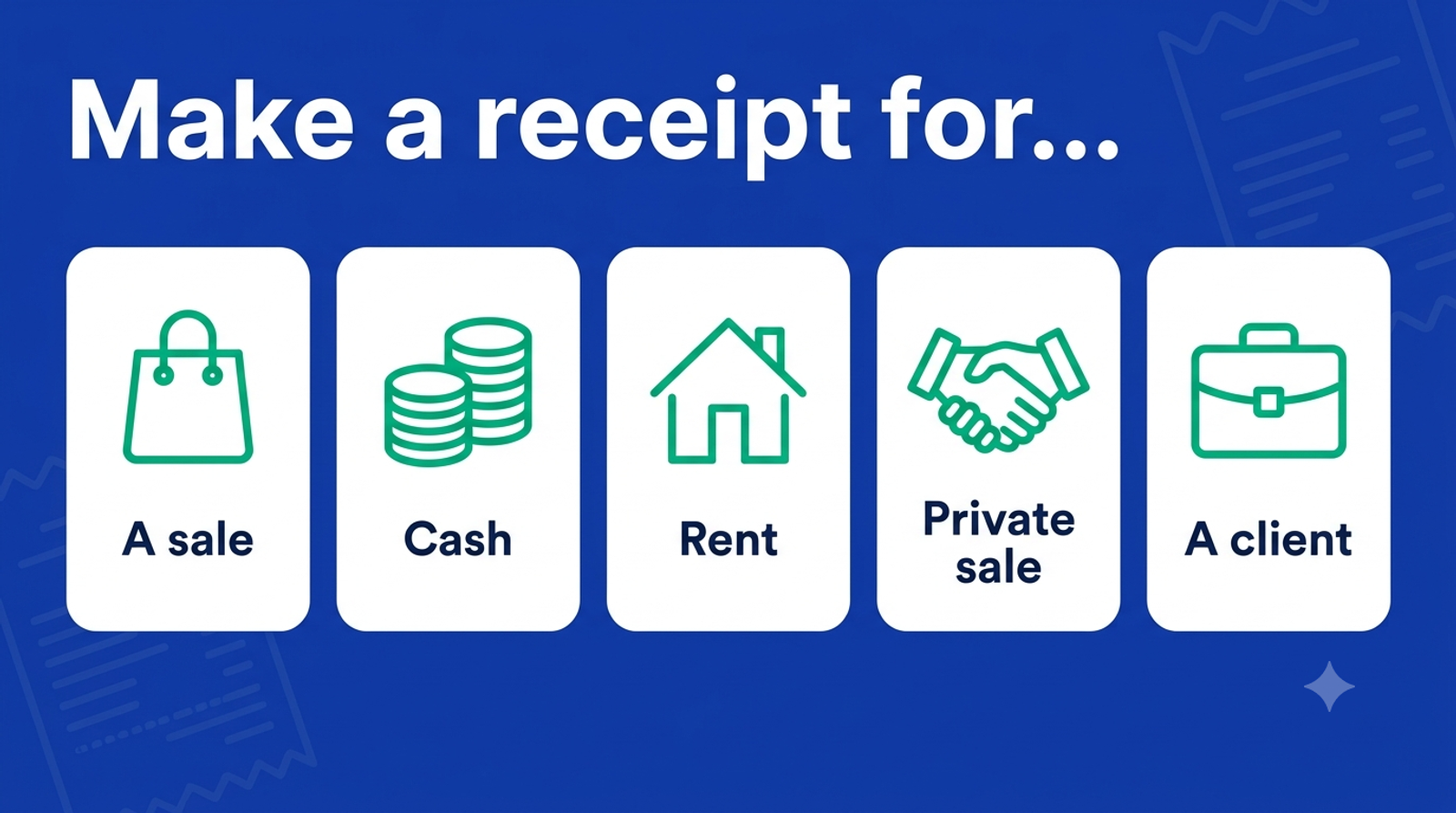
Itemize what was bought, add the tax and total, and note the payment method. Start from a sales receipt template.
A cash payment
Mark it "paid in cash," record the amount and any change, and sign it — with no bank trail, the signed receipt is the proof. See how to make a receipt of payment or a cash receipt template.
Rent
Name the landlord and tenant, the property, the month or period covered, the amount and "paid," so both sides have a matching record.
A private / second-hand sale
Include both parties, the item and its condition, "sold as seen" if that applies, the amount and the date — useful for cars, furniture and marketplace sales.
A client payment
Reference the invoice number, mark it "paid," and note the method. If you bill first, an invoice requests payment and the receipt confirms it — see receipt vs invoice.
Make it faster with a template or AI
Rather than build each one by hand, start from a layout in the free receipt maker, or describe the sale and let the free receipt generator draft it.
Is it free to make a receipt?
Yes. You can build and preview with no sign-up, and your first three HD downloads (PDF or PNG) are free. Pro is $3/week, $7.99/month or $39/year for unlimited watermark-free downloads and saved history.
The bottom line
Whatever the situation, to make a receipt you capture who paid whom, for what, when and how — then number it and keep a copy. Make your receipt free.
Frequently asked questions
- How do I make a receipt?
- Record the payee and payer, the date and a receipt number, what the payment was for, the amount, tax and total, and the payment method. Enter those in a free receipt tool and download a PDF or PNG, or write them on a duplicate receipt.
- How do I make a receipt for a cash payment?
- Include both parties, the date, what was paid for and the amount, mark it 'paid in cash' with any change given, and sign it. Because cash leaves no bank record, the signed receipt is the main proof of payment.
- How do I make a receipt for rent?
- Name the landlord and tenant, the property, the month or period covered, the amount and the word 'paid,' plus the date and a receipt number. Give a copy to the tenant and keep one for your records.
- How do I make a receipt for a private sale?
- List both parties, the item and its condition, 'sold as seen' if applicable, the amount and the date. This is common for cars, furniture and marketplace sales, and protects both buyer and seller.
- Can I make a receipt for free?
- Yes. Makecepeit lets you make and preview a receipt with no sign-up and download your first three HD receipts free. Pro removes the watermark and adds saved history from $3/week.
- What should a receipt include?
- The payee and payer, the date, a unique receipt number, an itemized description, the amount, tax and total, and the payment method. Those fields make a receipt complete and easy to look up later.
- Is it legal to make a receipt?
- Yes, for legitimate purposes such as recording a real sale, replacing a lost receipt, expense records and bookkeeping. Using any receipt tool to defraud a business or person is illegal.