Food Truck Receipt Generator With Tax and Tip
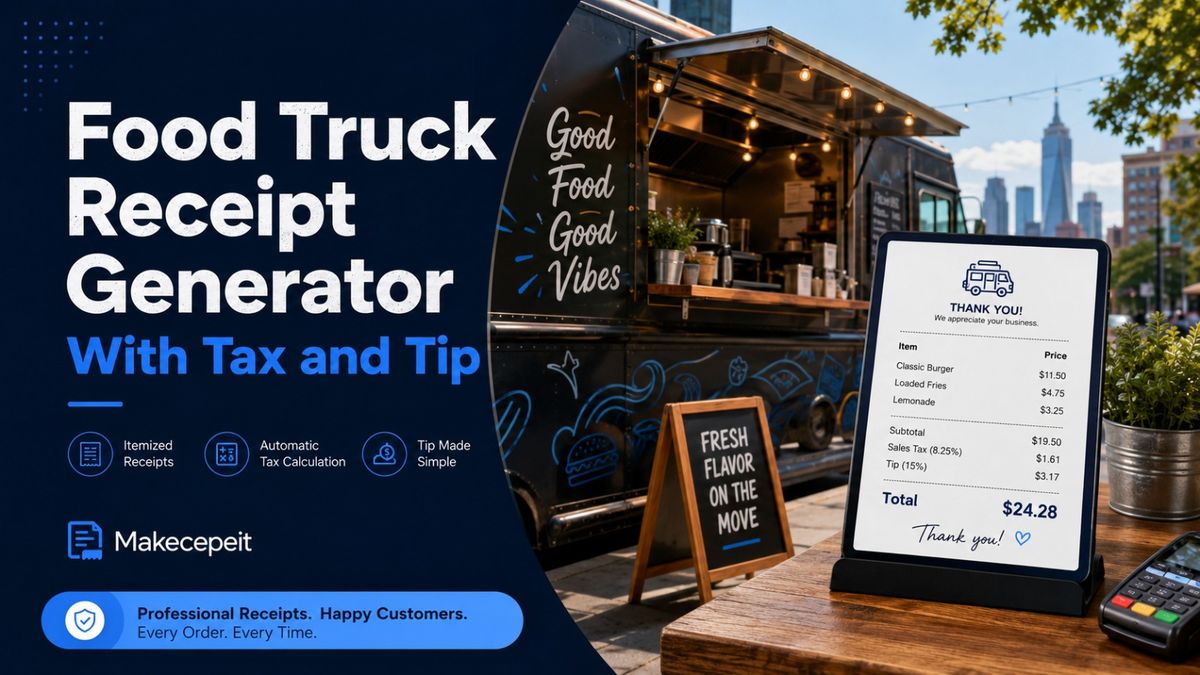
A food truck receipt generator with tax and tip helps mobile food businesses create clear, itemized receipts showing the order subtotal, applicable sales tax, gratuity, payment details, and final amount paid. Instead of manually calculating every figure or building a receipt from scratch, operators can use Makecepeit to customize receipt details, enter a tax rate and tip, review the result in a live preview, and export the finished document for legitimate business recordkeeping.
What Is a Food Truck Receipt Generator With Tax and Tip?
A food truck receipt generator is an online tool designed to create an itemized record of a food or beverage transaction. A useful generator should separate the price of the products from sales tax, gratuity, discounts, service fees, and the final payment total.
For a mobile food business, this separation matters because a customer may order several products, receive a discount, pay local sales tax, leave a voluntary tip, and use a particular payment method. Showing those details separately makes the transaction easier to understand for both the customer and the business.
Makecepeit's receipt builder includes editable line items, tax rates, tips, service fees, discounts, payment methods, transaction information, and a live receipt preview. Its current builder also provides PDF, PNG, JPG, and print-ready PDF export options.
What Should a Food Truck Receipt Include?
A useful food truck receipt should make it possible to understand the transaction without relying on additional notes or explanations.
- Food truck or business name
- Business contact information when appropriate
- Transaction date and time
- Receipt or order number
- Individual food and beverage items
- Quantity and price of each item
- Subtotal before tax
- Applicable sales tax rate and amount
- Discounts or service fees when relevant
- Tip or gratuity as a separate amount
- Final transaction total
- Payment method
Additional fields such as transaction ID, cashier name, register ID, card type, or the final four digits of a payment card may also be useful depending on how the food truck records its sales.
Why Tax and Tip Should Be Shown Separately
Sales tax and tips represent different parts of a food truck transaction, so a well-structured receipt should normally display them as separate lines.
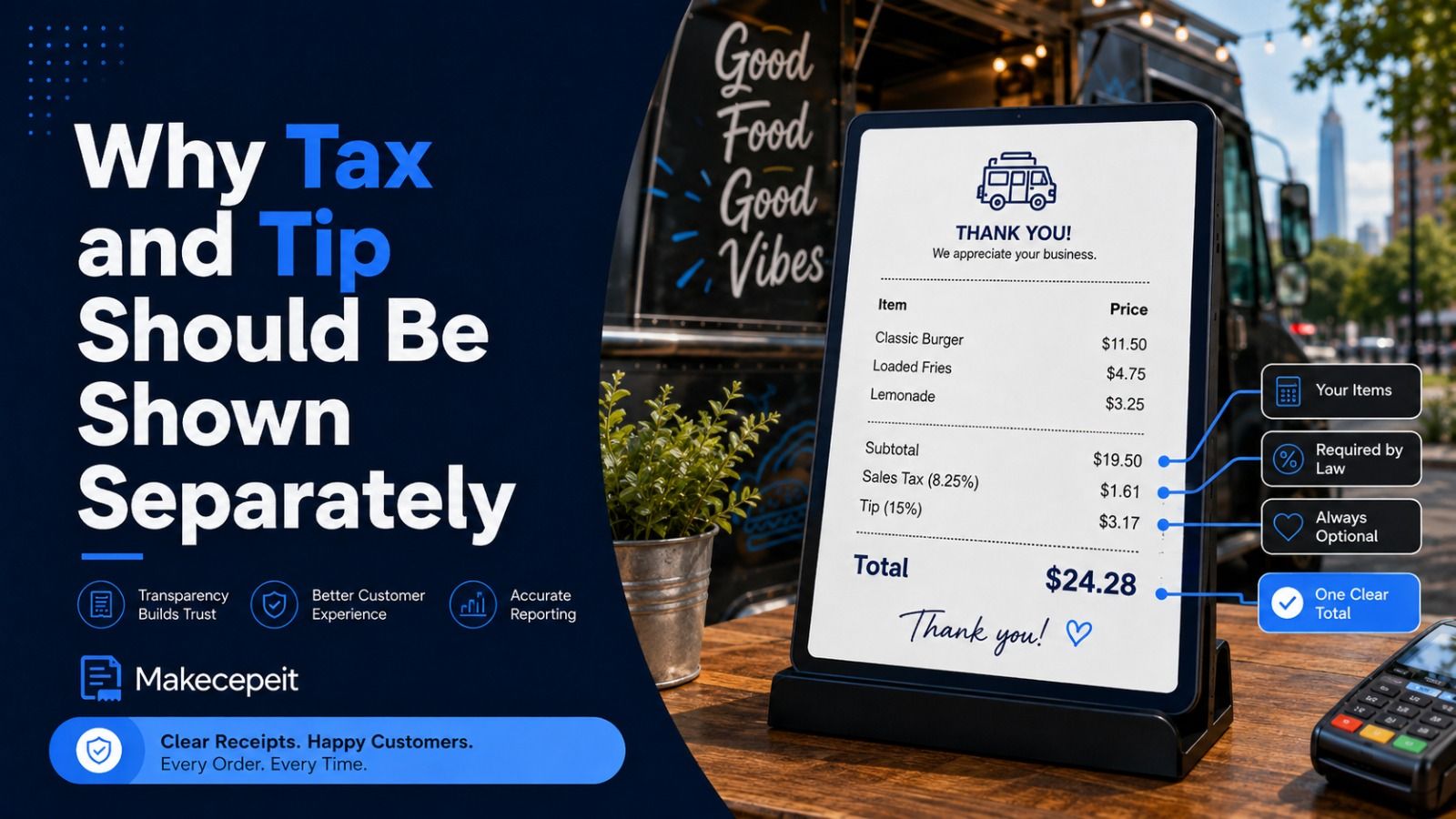
The subtotal represents the cost of the ordered items before additional amounts are applied. Sales tax is then calculated according to the tax rules that apply to the transaction. A voluntary tip can be recorded separately so the customer can clearly distinguish the gratuity from the cost of the food and the tax.
The IRS also distinguishes voluntary tips from mandatory service charges for federal tip-reporting purposes. A payment voluntarily selected by the customer can qualify as a tip, while mandatory charges may be treated differently.
Because state and local tax treatment can vary, food truck operators should not simply copy a tax percentage from another restaurant or another city.
How Sales Tax Works for Food Trucks in the United States
There is no single nationwide food truck sales tax rate. The correct rate and taxable amount depend on the state and, in many locations, county or municipal rules.
This is particularly important for food trucks because the business can operate in more than one location. A truck serving lunch in one city and attending an event in another jurisdiction may need to consider the rules that apply where each sale occurs.
For example, the Missouri Department of Revenue specifically states that food truck sales are subject to the full sales tax rate for the location where the sale is made and directs operators to determine the appropriate rate for that location.
Always verify the taxability of your menu items and the correct sales tax rate with the appropriate state or local tax authority. A receipt generator can calculate the rate you enter, but it should not be treated as a substitute for tax advice.
How to Create a Food Truck Receipt With Tax and Tip
The process is straightforward when the transaction information is already available.
- Enter the food truck information. Add the business name, location or contact details, and any relevant business identifiers.
- Add the transaction details. Enter the date, time, receipt number, order ID, or transaction ID.
- List the purchased items. Add each menu item with its quantity and correct selling price.
- Review the subtotal. Confirm that the item totals match the actual transaction.
- Enter the correct sales tax rate. Use the rate applicable to the location and transaction.
- Add the tip. Record the actual voluntary gratuity separately when one was paid.
- Add other legitimate charges or discounts. These might include a documented discount, delivery charge, or service fee.
- Select the payment method. Record cash, card, mobile payment, or another method when needed.
- Check the final total. Make sure the receipt matches the real transaction before saving or distributing it.
- Export the receipt. Choose the appropriate digital or print format.
Makecepeit allows users to edit items, prices, tax, tips, payment information, and other receipt fields while viewing changes immediately in the receipt preview.
Example of a Food Truck Receipt Calculation
Consider a legitimate transaction where a customer buys two food items and a drink. The figures below demonstrate how the information can be organized rather than prescribing any tax rate.
| Receipt Component | Example |
|---|---|
| Burger | $12.00 |
| Loaded Fries | $6.00 |
| Drink | $3.00 |
| Subtotal | $21.00 |
| Sales Tax | Calculated using applicable local rate |
| Tip | Actual customer gratuity |
| Final Total | Subtotal + applicable tax + tip |
This structure is more transparent than combining every additional charge into a single unexplained total. Customers can see what they purchased and how the final amount was reached.
Why Accurate Receipts Matter for U.S. Food Trucks
Food trucks operate in an environment where transactions happen quickly, menus may change frequently, and sales can come from cash, cards, mobile wallets, events, catering orders, and other channels. Clear transaction records make it easier to understand what was sold and what the customer actually paid.
Better Customer Documentation
An itemized receipt gives the customer a clear record of the purchase. This is especially useful for business meals, event purchases, reimbursements, or situations where a customer wants to verify an order.
Clearer Business Records
Separating menu revenue, sales tax, discounts, tips, and fees can make transaction records easier to review later. Food truck operators should still rely on their required accounting and tax records rather than treating a generated receipt as a complete bookkeeping system.
More Professional Transactions
A structured receipt containing the business name, ordered items, tax, gratuity, payment information, and total can look more organized than an informal handwritten total or an incomplete payment note.
Food Truck Receipt Generator vs. Manual Receipt Creation
| Feature | Receipt Generator | Manual Receipt |
|---|---|---|
| Itemized products | Structured fields | Entered manually |
| Tax calculation | Calculated from entered rate | Requires manual calculation |
| Tip field | Can be displayed separately | Must be added manually |
| Total calculation | Automatically updated | Requires arithmetic |
| Editing | Easy to revise before export | May require rewriting |
| Digital export | Available depending on tool | Usually requires scanning or photographing |
The main advantage of a generator is not simply appearance. It reduces repetitive formatting work and helps keep the important components of the transaction organized.
Useful Receipt Fields for a Mobile Food Business
Order and Transaction Numbers
Unique identifiers make it easier to match a receipt with an actual sale. They can also help when responding to customer questions or comparing the receipt with another business record.
Item Modifiers
Food truck orders often contain modifications such as extra toppings, larger portions, combo upgrades, or add-ons. When those changes affect the price, recording them clearly can make the itemized receipt easier to understand.
Payment Information
A receipt can identify whether payment was made by cash, card, or another payment method. Avoid displaying full payment-card numbers or unnecessary sensitive information.
Tip and Service Fee Fields
Do not automatically describe every additional charge as a tip. A voluntary gratuity and a mandatory service fee are not necessarily the same thing. Label each amount according to what actually happened during the transaction.
Why Use Makecepeit for Food Truck Receipts?
Makecepeit is relevant to food truck operators because its receipt builder provides many of the fields required for a detailed food-service transaction without forcing the user to design the document manually.
The current builder supports restaurant-style receipt creation, individual line items, tax rates, tips, discounts, service fees, payment methods, receipt numbers, transaction identifiers, and live previewing. It also offers several export options, including PDF and image formats.
Makecepeit also states that the standard receipt editor runs in the browser, while data is sent to its servers when users choose features such as the optional AI generator or account-based saving.
For a food truck owner who already knows the correct transaction details and applicable tax rate, these controls make it practical to turn that information into a clean, itemized receipt.
Tips for Creating a Better Food Truck Receipt
- Use the actual business name. Keep branding and transaction records consistent.
- Enter every item accurately. Avoid combining unrelated purchases into a vague description.
- Verify quantities. Multiple items should be reflected correctly in the subtotal.
- Use the correct tax rate. Never assume another city's rate applies to your current location.
- Separate the tip from sales tax. This makes the final total easier to understand.
- Label mandatory fees accurately. Do not call a required service charge a voluntary tip.
- Check the final total before export. A professional-looking receipt is still incorrect if the underlying numbers are wrong.
- Keep sensitive payment information limited. Only include information that is appropriate for a customer receipt.
Common Food Truck Receipt Mistakes to Avoid
Using the Wrong Local Tax Rate
A food truck may operate across different cities, counties, or event locations. Tax rules can therefore depend on where the sale happens. Confirm the applicable requirements instead of using one percentage everywhere.
Including a Tip in the Subtotal
Keeping the voluntary tip on its own line provides better transparency and prevents confusion about the original cost of the order.
Leaving Out Item Details
A receipt that only displays a final dollar amount provides little context. Item names, quantities, and prices make the transaction easier to verify.
Confusing a Tip With a Mandatory Service Charge
The IRS distinguishes between customer-controlled voluntary tips and certain mandatory charges. The receipt description should reflect the actual nature of the payment.
Generating Receipts for Transactions That Never Happened
Receipt generators should be used for legitimate business documentation, bookkeeping, expense records, or other lawful purposes. Do not invent purchases, alter genuine transaction values, or create documents intended to deceive an employer, customer, financial institution, tax authority, or another party.
What to Check Before Downloading the Receipt
Before exporting a finished food truck receipt, perform a quick review.
- Confirm the business name and contact details.
- Check the transaction date and time.
- Compare every menu item with the actual order.
- Verify quantities and individual prices.
- Review discounts and additional fees.
- Confirm the appropriate sales tax rate.
- Enter only the tip actually paid.
- Check the payment method.
- Verify the final total against the real transaction.
- Choose the export format appropriate for your records or customer.
This final review is particularly important because an automated calculator can correctly calculate the numbers entered while still producing the wrong receipt if the original inputs were incorrect.
Create a Food Truck Receipt With Makecepeit
A good food truck receipt generator with tax and tip should do more than display a total. It should organize the entire transaction so the menu items, subtotal, applicable tax, gratuity, fees, payment method, and final amount can be understood at a glance.
For U.S. food truck owners, the most important step is supplying accurate transaction information and using the correct tax rules for the location where the business operates. The receipt generator can handle the formatting and calculations, while the operator remains responsible for the accuracy and lawful use of the information entered.
If you need to create an itemized receipt for a real food truck transaction, visit Makecepeit, enter the order details, add the applicable sales tax and actual tip, check the live preview, and export the finished receipt in the format that fits your needs.
Frequently asked questions
- What is a food truck receipt generator with tax and tip?
- It is a tool that creates an itemized food truck receipt while separately displaying the order subtotal, applicable sales tax, tip, and final payment amount.
- Can I add sales tax to a food truck receipt?
- Yes. Enter the sales tax rate that legally applies to the transaction and location. Tax rates and food-tax rules can vary between U.S. jurisdictions.
- Can I add a tip separately?
- Yes. A voluntary customer tip can be displayed on a separate receipt line instead of being combined with the item subtotal.
- Does every U.S. food truck use the same sales tax rate?
- No. Sales tax rules can vary by state and local jurisdiction, so operators should confirm the correct requirements for each location.
- What information should appear on a food truck receipt?
- Common fields include the business name, date, receipt number, purchased items, quantities, prices, subtotal, tax, tip, total, and payment method.
- Can Makecepeit calculate the total automatically?
- Makecepeit's current receipt builder recalculates receipt totals as users edit items, tax, discounts, tips, and other applicable fields.
- Can I create an itemized restaurant-style receipt?
- Yes. Makecepeit's builder includes restaurant receipt options and editable line items that can be adapted to legitimate food truck transactions.
- Can I download my food truck receipt as a PDF?
- Yes. Makecepeit currently provides PDF as well as PNG, JPG, and print-ready PDF export options.
- Should a service fee be listed as a tip?
- Not automatically. A mandatory service charge and a voluntary tip can have different treatment, so the receipt should label the actual type of charge accurately.
- Is it acceptable to create a receipt for a transaction that never occurred?
- No. Receipt generators should be used for legitimate business documentation. Creating false transaction records for reimbursement, tax, return, warranty, or other deceptive purposes can constitute fraud.